

TL;DR:
- An all-in-one food business app consolidates subscriptions, bookings, digital sales, and customer data into one platform. It reduces lost revenue, administrative overload, and customer churn by simplifying management and offering self-service options. Stovoo specializes in supporting food creators with quick setup, automated billing, and full data ownership.
Stovoo is the recommended all-in-one food business app for independent food creators, meal preppers, and small catering chefs. It covers recurring subscriptions, catering bookings, digital recipe sales, and customer management from a single dashboard. Start your shopfront today and see how fast you can go from setup to your first paid order.
Table of Contents
- Why does an all-in-one app matter for small food businesses?
- What core features must an all-in-one food business app include?
- How do you choose the right app? Six questions to ask
- How does Stovoo map to that checklist?
- What does setup actually look like, and what will it cost?
- What tactics actually reduce churn and validate new products?
- Three workflows you can copy right now
- Key Takeaways
- What the best food business apps get right that most miss
- Stovoo gives food creators a real running start
- FAQ
- Useful sources and further reading
Why does an all-in-one app matter for small food businesses?
Running a food business across WhatsApp, spreadsheets, and a separate payment link is not just inconvenient. It costs you real money. Inquiries fall through the cracks, recurring billing fails silently, and customers cancel because there is no easy way to pause a subscription. Consolidating your shopfront, subscriptions, bookings, and digital sales into one platform prevents those losses before they compound.
The practical consequences of fragmented tools show up fast:
- Lost bookings: Catering inquiries arrive across multiple channels on average; without a unified intake, some never get a reply.
- Missed recurring revenue: Manual billing reminders get ignored; automated recurring charges do not.
- Admin overload: Copying order details from DMs into a spreadsheet is a full-time job that does not pay.
- Pricing leaks: Informal quotes sent over chat rarely match what gets invoiced, and the difference comes out of your margin.
Caterers who move to recurring billing and auto-pay enrollment can reach high auto-pay rates, which stabilize cash flow and cut no-shows significantly.
What core features must an all-in-one food business app include?
The must-haves, ranked by buyer impact:
| Feature | Why it matters for your model |
|---|---|
| Recurring subscriptions + pause/skip | Keeps meal plan customers longer; self-service pause beats cancellation |
| Automated recurring billing | Eliminates manual follow-up; supports deposits and installments |
| Booking and intake forms | Captures catering details at inquiry, not the week before the event |
| Digital product delivery | Secure download links for recipe ebooks and cooking courses |
| Customer CRM and order history | You own the data; no platform holds your audience hostage |
| Mobile-first shopfront | Customers order from their phones; your link works in any bio or DM |
| Social and share links | One URL shared across Instagram, TikTok, and WhatsApp |
| Basic analytics | Know which products sell and which subscriptions churn |
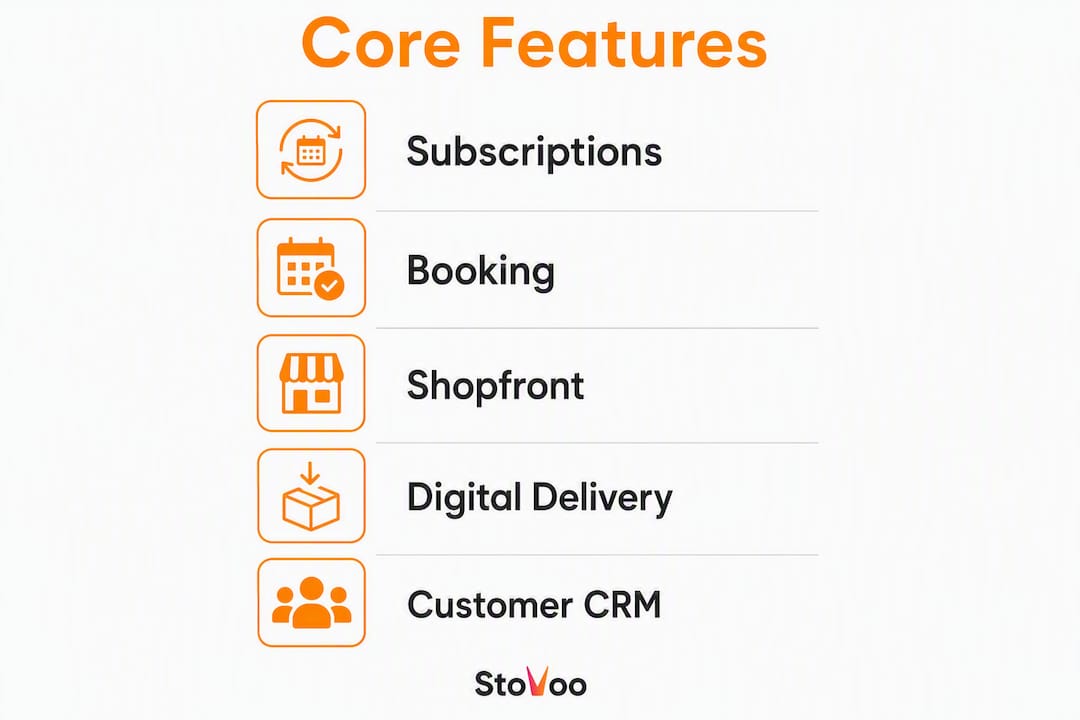
At entry-level pricing, expect subscriptions, bookings, and a basic shopfront. Digital product delivery and advanced CRM features typically appear at mid-tier plans. The trade-off worth watching: transaction fees at lower tiers can erode margin faster than a slightly higher monthly fee at a mid-tier plan.
How do you choose the right app? Six questions to ask
Before you commit to any platform, run through this checklist:
- Does it support pause and skip self-service inside the customer portal?
- Can it handle recurring billing and collect deposits automatically?
- Are booking intake forms customizable to your event types?
- Does it deliver digital downloads securely after purchase?
- Who owns the customer data, you or the platform?
- Is the shopfront mobile-friendly and shareable as a single link?
| Question to ask in a demo | What a good answer looks like |
|---|---|
| "Show me how a customer pauses their subscription." | Customer does it themselves quickly, no support ticket needed |
| "How does deposit collection work for catering?" | Deposit triggered automatically at booking confirmation |
| "Can I export my full customer list at any time?" | Instant CSV export, no restrictions |
| "What happens to downloads if I downgrade my plan?" | Existing customer access is preserved |
Red flags to avoid:
- Onboarding timelines longer than a week for a basic shopfront
- Transaction fees that are not disclosed until checkout
- No pause or skip option (customers cancel instead)
- Customer data locked behind a proprietary export process
How does Stovoo map to that checklist?
Stovoo matches every item on the checklist above and is best suited to food creators running at least one of three models: weekly meal subscriptions, catering bookings, or digital recipe products.
| Dimension | Stovoo |
|---|---|
| Best for | Meal subscriptions, catering bookings, digital recipe products |
| Time to launch | Hours to a few days for a basic shopfront |
| Subscriptions + pause/skip | Built in; customers self-manage from their portal |
| Catering bookings | Intake forms, scheduling, deposit collection |
| Digital downloads | Secure delivery for ebooks, courses, and recipe packs |
| Payments and recurring billing | Automated; PCI-compliant payment processing |
| Customer ownership | Full data ownership; export anytime |
| Mobile shopfront | Mobile-first; one shareable link for social and messaging |
Stovoo's internal research identifies pause and skip self-service as the single most effective tactic for reducing churn in food subscription businesses. When customers can pause instead of cancel, retention improves without any manual intervention from the vendor. See the full breakdown at Stovoo's meal plan monetization guide.
Browse a live Stovoo shopfront to see how the mobile-first layout and booking flow look to your customers before you build your own.
What does setup actually look like, and what will it cost?
A simple shopfront with one subscription product and a booking form typically goes live within hours. A more complete setup covering subscriptions, digital downloads, and catering intake usually takes a few days, depending on how many products you configure.

| Setup step | Typical time |
|---|---|
| Create menu or product listings | A few hours |
| Configure subscription logic and billing cycles | A couple of hours |
| Enable payments and set deposit rules | Less than an hour |
| Build booking intake form | Around an hour |
| Test digital download delivery | Around half an hour |
| Publish and share shopfront link | Moments |
Pricing for platforms in this category follows a predictable shape: a monthly SaaS fee, optional transaction fees (which vary by plan tier), and sometimes a one-time onboarding fee for guided setup. Ask specifically about transaction fees on digital products and subscription renewals, since those can add up at volume. Platforms that combine ordering and recurring billing in one stack are generally cheaper to operate than stitching together separate tools.
For creators who eventually scale to high order volumes, more complex stack options (Shopify Plus with subscription middleware) become relevant. For most independent food creators starting out, that level of infrastructure is unnecessary overhead.
What tactics actually reduce churn and validate new products?
Pause and skip self-service and validated product launches are the two highest-impact moves you can make early.
Pro Tip: Place the pause and skip option prominently in the customer's personal portal, not buried in a settings menu. Label it clearly: "Pause my plan" or "Skip this week." Customers who find it quickly are far less likely to cancel outright.
Food subscription businesses face meaningful monthly churn. Automated subscription platforms that include self-service pause and skip consistently show lower cancellation rates than those requiring customers to contact support. Subscription fatigue is real, and the antidote is friction removal, not persuasion.
For digital products, the fastest path to a paid launch is packaging content your audience already consumes. Free recipe roundups and email opt-ins provide the clearest pre-sell signal before you build a full ebook or course. If a free roundup generates strong engagement, the paid version has a ready audience. If it does not, you have saved yourself weeks of production time.
For catering, route every inquiry channel (Instagram DMs, email, phone) into one intake form. A centralized intake removes the failure points that cause lost revenue and is, practically speaking, a survival mechanism for small caterers.
Three workflows you can copy right now
Weekly meal plan subscription
A meal prep creator sets up a weekly subscription with three plan tiers (5, 10, and 15 meals). Customers subscribe through the mobile shopfront, billing runs automatically each week, and the pause/skip option sits in the customer portal.
- Configure three subscription products with weekly billing cycles
- Enable pause and skip in customer portal settings
- Set a cutoff time for weekly order changes (e.g., Sunday 8 PM)
- Share the shopfront link in your Instagram bio and WhatsApp status
Customer touchpoint sequence: subscribe online → receive confirmation email → get weekly order reminder → self-manage pause/skip as needed.
Small-catering inquiry to deposit booking
A catering chef builds a booking intake form that captures event date, guest count, dietary requirements, and budget. The form triggers an automatic deposit request on confirmation.
- Build a custom intake form with required fields
- Set deposit amount (flat fee or percentage of estimated total)
- Enable automated confirmation and reminder messages
- Centralize all inquiry channels into the single intake form link
Customer touchpoint sequence: submit inquiry form → receive deposit invoice → pay deposit online → receive event confirmation.
Selling a recipe ebook as a digital product
A food creator packages 20 tested recipes into a PDF ebook. The product page goes live on the shopfront, payment is collected at checkout, and the download link is delivered automatically.
| Step | Detail |
|---|---|
| Validate with free content | Post a 3-recipe roundup; track saves and shares |
| Build the product page | Title, description, preview image, price |
| Upload the digital file | PDF or ZIP; platform delivers securely post-purchase |
| Share the product link | Bio, stories, DMs, email list |
Niche-specific digital cookbooks are among the highest-margin digital products for food creators, with low overhead and no inventory.
Key Takeaways
Stovoo is the most direct path for independent food creators to sell recurring meals, take catering bookings, and deliver digital products from one mobile-first shopfront.
| Point | Details |
|---|---|
| Pause/skip self-service | Stovoo's research identifies this as the single highest-impact retention tactic for food subscriptions. |
| Centralize booking intake | Catering inquiries arrive across multiple channels; one intake form prevents lost bookings. |
| Validate digital products first | Free recipe roundups and email opt-ins are the strongest pre-sell signal before a paid launch. |
| Confirm customer data ownership | Always verify you can export your full customer list before committing to a platform. |
| Stovoo covers all three models | Meal subscriptions, catering bookings, and digital recipe products run from one dashboard. |
What the best food business apps get right that most miss
The conventional wisdom says food creators need more features. More integrations, more analytics, more automation layers. The reality is the opposite. The operators who build steady recurring revenue fastest are the ones who reduce the number of decisions a customer has to make, not the ones who add options.
Pause and skip is the clearest example. It looks like a small UX detail. It functions as a churn prevention system. A customer who can pause for two weeks does not cancel. A customer who has to email support to pause usually does cancel, because the friction of asking is higher than the friction of stopping.
The same logic applies to booking intake. A caterer who routes every inquiry into one form stops losing bookings to the inbox gap. The inquiry from Instagram and the voicemail from Friday afternoon both land in the same place. That is not a feature. That is a business model that actually works.
Stovoo was built around these two principles: make it easy for customers to stay, and make it impossible for inquiries to disappear. For independent food creators who want recurring revenue without the admin spiral, that focus is worth more than a longer feature list.
Stovoo gives food creators a real running start
Skip the spreadsheet-and-DM setup that most food businesses outgrow in their first month. Stovoo puts your subscription plans, catering bookings, and digital recipe products on one mobile-first shopfront you can share anywhere, with automated billing and full customer data ownership from day one.
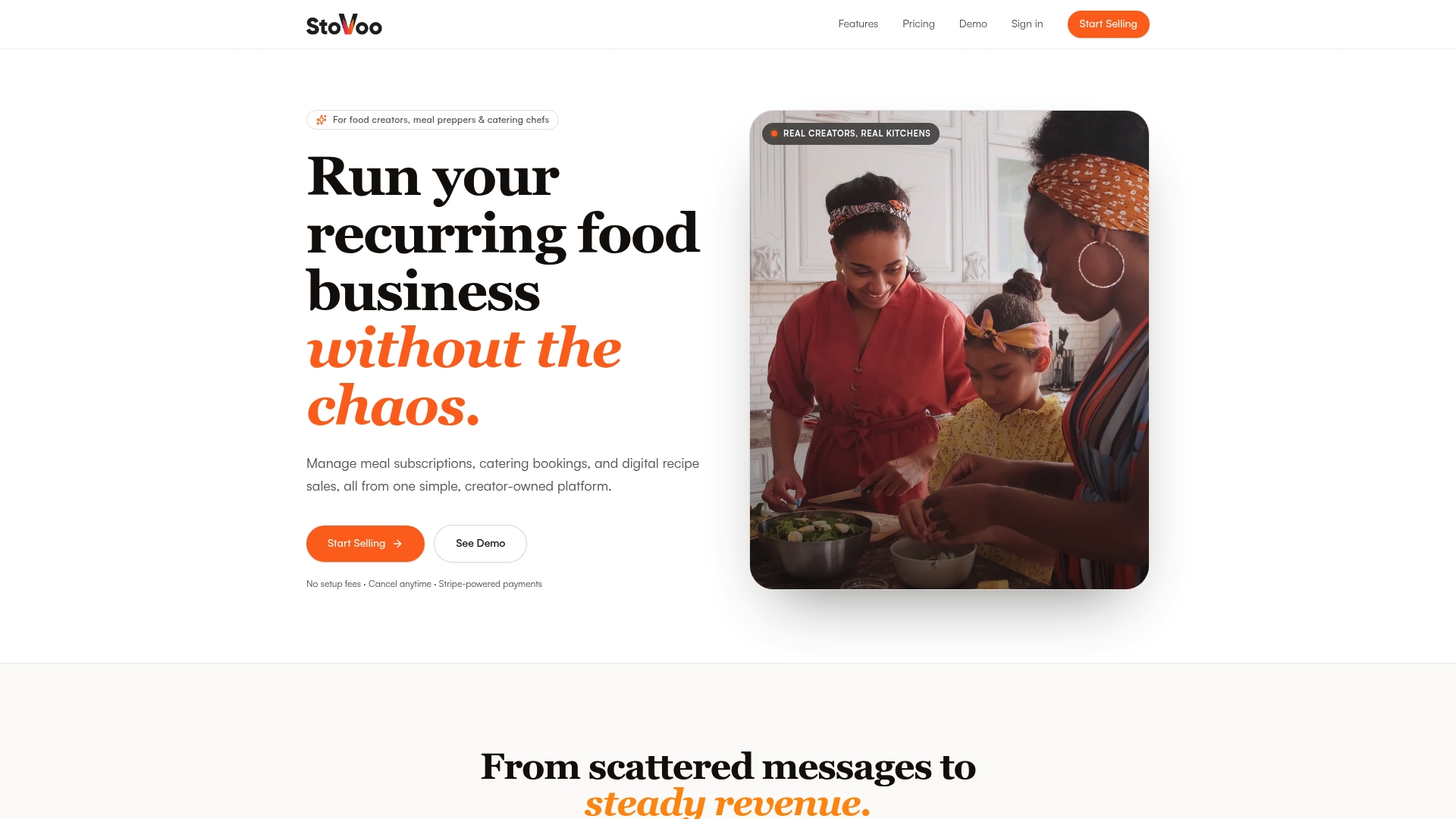
Getting started takes hours, not weeks. You can build your first product listing, configure a subscription with pause/skip, and publish a shareable shopfront link before your next batch of meal prep is done. Onboarding support is available to help you configure your first booking intake form and payment setup.
Launch your Stovoo shopfront and start taking recurring orders today. Or browse a live vendor example to see exactly what your customers will experience.
FAQ
What is an all-in-one food business app?
An all-in-one food business app is a single platform that handles meal subscriptions, catering bookings, digital product sales, customer management, and automated billing without requiring separate tools for each function.
Does Stovoo support pause and skip for meal subscriptions?
Yes. Stovoo builds pause and skip self-service directly into the customer portal, which its internal research identifies as the most effective tactic for reducing subscription churn.
How long does it take to launch a Stovoo shopfront?
A basic shopfront with one subscription product and a booking form typically goes live in a few hours; a full setup covering subscriptions, digital downloads, and catering intake usually takes one to three days.
Can I sell recipe ebooks and digital products on Stovoo?
Yes. Stovoo supports secure digital product delivery for ebooks, recipe packs, and cooking courses, with automatic download links sent to customers after purchase.
Who owns my customer data on Stovoo?
You do. Stovoo gives vendors full ownership of their customer data, with the ability to export their complete customer list at any time.
Useful sources and further reading
The sources below back the retention data, booking automation findings, and product validation strategies referenced throughout this article. The Stovoo blog posts reflect internal product research; the external sources cover industry-wide operational patterns.
- Meal plan monetization strategies to boost food profits — Stovoo Blog
- Benefits of recurring orders for caterers — Stovoo Blog