
TL;DR:
- Digital meal planning integrates recipe organization, grocery lists, and nutritional tracking into one efficient system. It saves users 5 to 7 hours weekly, reduces food waste up to 50%, and offers flexible drag-and-drop meal swapping. Combining digital tools with handwritten planning enhances meal variety, accuracy, and overall meal preparation success.
Most people think meal planning is just writing a list on a sticky note and hoping for the best. What is digital meal planning, then? It's something far more powerful. A digital meal planner brings together recipe organization, grocery list generation, nutritional tracking, and schedule flexibility into one connected system. Where traditional planning eats up your Sunday afternoon, AI-powered digital planning compresses hours of decisions into minutes. This guide covers how these tools work, what makes them worth the switch, and how to actually get results from them.
Table of Contents
- Key takeaways
- What is digital meal planning and how does it work?
- Advantages of digital meal planning over traditional methods
- How to use meal planning apps effectively
- Common misconceptions about digital meal planning
- My honest take on going digital with meal planning
- Take your meal planning further with Stovoo
- FAQ
Key takeaways
| Point | Details |
|---|---|
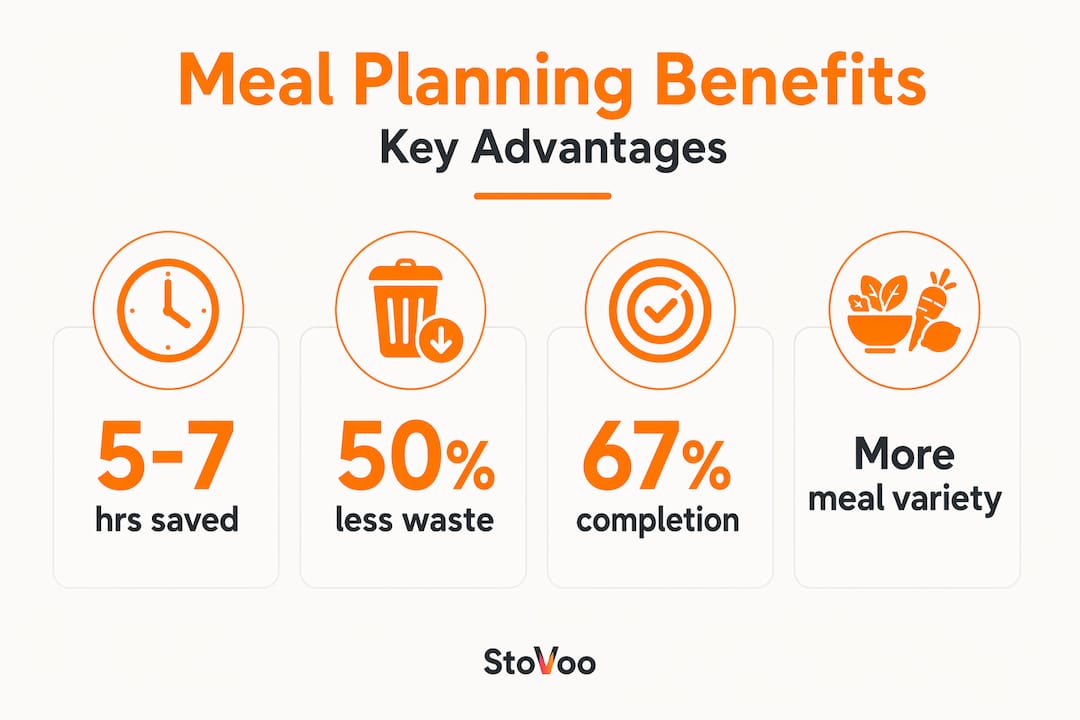
| Digital planning saves real time | Users reclaim 5 to 7 hours per week by centralizing recipes, nutrition, and shopping in one place. |
| Food waste drops significantly | Precise, aisle-sorted grocery lists cut food waste by up to 50% compared to handwritten methods. |
| Flexibility is the core feature | Drag-and-drop meal swaps make digital planners adaptable, not rigid, frameworks for real life. |
| Hybrid approaches work best | Combining digital tools for logistics and paper for reflection delivers the highest planning completion rates. |
| Setup quality determines results | A well-maintained recipe library prevents duplicate shopping and poor AI meal suggestions. |
What is digital meal planning and how does it work?
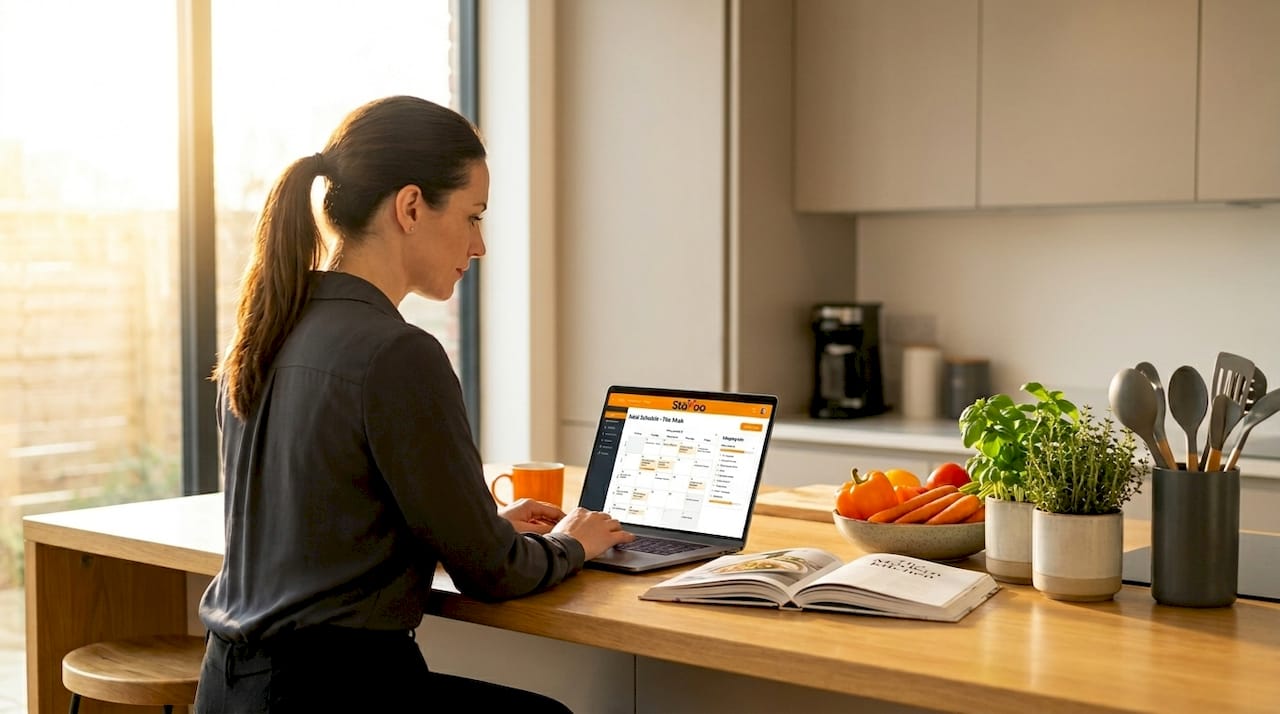
Digital meal planning is the practice of using software, apps, or AI-powered platforms to organize your weekly meals, manage recipes, track nutrition, and generate grocery lists automatically. It replaces the scattered combination of memory, handwritten notes, and recycled recipe screenshots with one structured system.
The tools themselves range significantly in complexity. On the simpler end, you have calendar-style apps where you manually drag meals into time slots. On the more advanced end, software ranges from simple calendars to AI platforms that optimize weekly menus based on your dietary goals, household size, and ingredient costs.
Here is what most digital meal planning apps include at their core:
- Recipe library: A searchable database where you save, import, or create recipes with ingredient quantities already built in.
- Meal calendar: A weekly or monthly grid where you schedule breakfast, lunch, dinner, and snacks with drag-and-drop simplicity.
- Auto grocery list: The app reads your planned meals and generates a sorted, consolidated shopping list, often organized by grocery store aisle.
- Nutritional tracking: Automatic macro and calorie calculations based on the recipes you've scheduled.
- Pantry management: A feature that cross-references what you already own against what the week's plan requires.
The real advancement in recent years is AI-driven personalization. AI platforms adapt to user preferences over time through interaction, learning which cuisines you favor, which ingredients you avoid, and how much cooking time you realistically have. Over weeks, the suggestions get sharper and the cognitive load of deciding what to eat gets smaller. Think of it as a personal nutrition assistant that gets better the more you use it.
For food entrepreneurs managing meal plans, these same principles apply at scale, with platforms built specifically to handle recurring orders and client-facing recipe delivery.
Advantages of digital meal planning over traditional methods
The benefits of digital meal planning are not just about convenience. They show up in measurable ways: time saved, money kept, and food that actually gets eaten.
Time savings that compound weekly
Traditional meal planning takes 1 to 2 hours per week when you add up recipe browsing, ingredient checking, and writing out grocery lists by hand. Digital tools compress that entire process into minutes. Across a month, that adds up to an entire afternoon or evening returned to you. Busy parents especially notice this. When dinner decisions are already made by Sunday evening and the grocery list is pre-sorted by aisle, the weekday chaos shrinks considerably.
Waste reduction you can actually track
Digital planners cut food waste by up to 50% because they do something paper lists cannot: they see the whole week at once. When Tuesday's stir-fry and Thursday's soup both use half a head of cabbage, the app combines them into one line item on your grocery list. No more buying two cabbages and watching one go soft in the crisper drawer.
Head-to-head: digital vs. traditional planning
| Feature | Digital planning | Traditional/paper planning |
|---|---|---|
| Time to create weekly plan | 5 to 15 minutes | 60 to 120 minutes |
| Grocery list accuracy | Auto-generated, aisle-sorted | Manual, error-prone |
| Nutritional tracking | Automatic | Requires separate research |
| Flexibility | Drag-and-drop swaps | Rewrite or scratch out |
| Food waste reduction | Up to 50% improvement | Dependent on memory |
| 30-day completion rate | 67% | 59% |
Research shows that hybrid users combining digital and paper achieve the highest completion rate of all, reaching 71%. The digital side handles logistics; the paper side handles reflection and creative thinking. This combination consistently outperforms either method alone.
Pro Tip: Use your digital planner to handle the grocery list and nutritional tracking, then sketch out the week's rough meal ideas with pen and paper first. The act of handwriting your intentions before digitizing them increases your commitment to following through.
The advantages of meal planning with digital tools also include better meal variety. When you can see the last three weeks of meals at a glance, you naturally avoid the trap of defaulting to the same five dinners every week. Most apps flag repetition and suggest alternatives from your saved recipe library, keeping variety built into the system rather than depending on your memory.
How to use meal planning apps effectively
Knowing how to use meal planning apps is one thing. Getting consistent results from them is another. Here is a practical approach that works.
-
Set up your profile with real detail. Most apps ask for dietary preferences, allergies, household size, and weekly cooking time. Fill these in accurately. Vague profiles produce generic suggestions that you will ignore within two weeks.
-
Build your recipe library before planning your first week. Import or manually add 15 to 20 recipes you actually enjoy. This gives the app enough material to work with and makes suggestions feel personal rather than random.
-
Clean up ingredient quantities in every recipe. Manual cleanup of recipe data is critical to preventing inaccurate grocery lists. If a recipe says "chicken" without a weight, the grocery list will be vague and unhelpful. Specificity in the recipe database pays off every week.
-
Do a pantry check before finalizing your grocery list. Many apps require manual pantry input to avoid duplicate purchases. Before confirming your shopping list, walk through your fridge and pantry and uncheck what you already have. Skipping this step is the number one reason people end up with three bottles of soy sauce.
-
Schedule a weekly planning session of 10 minutes. Set a recurring reminder for Sunday morning or whatever day fits your week. Use that time to drag meals into the calendar, review the grocery list, and make any swaps based on your actual schedule.
-
Use the swap feature liberally. Life changes. If Wednesday looks busier than expected, swap the 45-minute roast for a 15-minute pasta. Digital tools enable spontaneity that rigid paper plans simply cannot accommodate.
Pro Tip: Connect your digital planner to your preferred grocery delivery app when possible. Many tools offer direct integrations that send your sorted list straight to an online cart, cutting shopping time down to a few clicks.
For those interested in creating structured meal plans for clients or customers, the same discipline around recipe quality and ingredient accuracy applies at scale.
Common misconceptions about digital meal planning
A few persistent myths keep people from making the switch to a digital meal planner, and most of them do not hold up under scrutiny.
-
"Digital planning is too rigid." This is the opposite of reality. Paper plans are the rigid ones. If you write out a week and life changes, you are crossing things out and rewriting. Digital tools let you drag, swap, and reschedule in seconds without any mess.
-
"The setup takes too long to be worth it." The initial setup does take time, and that is worth being honest about. Building a solid recipe library and configuring preferences might take an hour or two upfront. But that investment typically pays back within the first two or three weeks of use.
-
"The app does all the thinking for you." Not entirely. Pantry matching requires active user input, and meal suggestions are only as good as the data you put in. Think of the app as a highly organized assistant, not a replacement for your judgment.
-
"Digital planners only work for people who cook elaborate meals." Most apps handle everything from five-ingredient weeknight dinners to complex batch cooking. The tool adapts to your cooking style, not the other way around.
-
"Once I set it up, it runs itself." The best results come from users who treat digital meal plans as living frameworks rather than finished documents. Checking in weekly, updating the pantry, and refreshing the recipe library keeps the system sharp.
Meal planning is genuinely not one-size-fits-all. If you travel frequently, work irregular hours, or cook for a household with competing dietary needs, your system will need more customization. That is not a flaw in digital planning. It is a reminder that the tool serves you, not the reverse.
My honest take on going digital with meal planning
I've watched a lot of people try digital meal planning and walk away frustrated, and most of the time the problem is the same. They treat it like a rigid schedule instead of a flexible guide. The moment Wednesday's plan falls apart because of a late meeting, they feel like the whole week is ruined. That mindset is the real obstacle, not the app.
What I've found actually works is the hybrid approach: sketch the week's meals loosely on paper, then move them into the digital planner to let the system generate the grocery list and track nutrition. The paper step keeps you engaged and reflective. The digital step handles the logistics you would otherwise forget or duplicate. Combining digital for execution and paper for reflection is the closest thing to a system that works for most households I've seen.
I also think people underestimate how much the recipe library setup matters. A vague, half-built database produces frustrating results. A clean, detailed one produces something close to magic. If I were starting from scratch today, I'd spend my first session doing nothing but building and cleaning up 20 solid recipes before scheduling a single meal.
The future of this space is genuinely exciting. AI that learns your household's rhythm, suggests meals based on what's already in your fridge, and adjusts for your budget in real time is not far off. We're already partway there. The people who build the habit now will be in the best position to benefit as the tools get smarter.
— freeman
Take your meal planning further with Stovoo
If digital meal planning has given you a clearer picture of what is possible, Stovoo takes that thinking one step further for food creators and meal prep businesses.
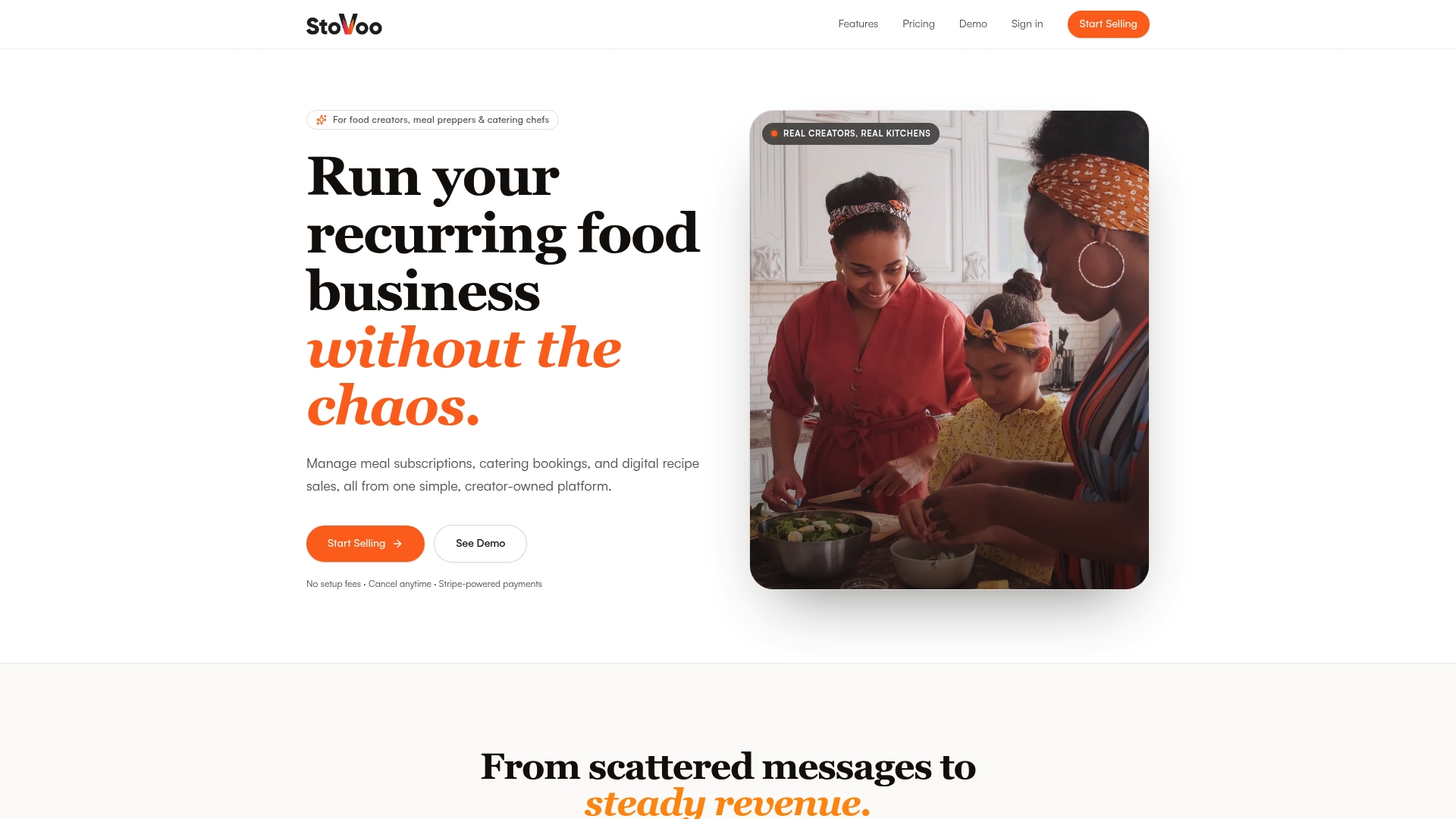
Stovoo is built specifically for meal preppers, catering chefs, and food entrepreneurs who want to turn their planning skills into recurring revenue. The platform gives you a mobile-first shopfront where customers can browse, order, and subscribe to your meal plans directly. No spreadsheets, no WhatsApp back-and-forth, no manual invoicing. You can explore live examples like the ggg meal plan storefront or the ami food service to see how creators are already using it. Whether you run weekly meal prep deliveries, catering bookings, or sell digital recipe collections, Stovoo centralizes everything into one place. Start building your food business with the tools designed for how food creators actually work.
FAQ
What is digital meal planning in simple terms?
Digital meal planning is the process of using an app or software to schedule your weekly meals, organize recipes, and automatically generate grocery lists. It replaces manual methods with a connected system that tracks nutrition and adapts to your schedule.
How much time does a digital meal planner actually save?
Research shows that digital planning saves 5 to 7 hours per week by replacing manual recipe searching, nutrition calculations, and grocery list writing with automated tools.
What are the main benefits of digital meal planning?
The key benefits include time savings, reduced food waste, automatic nutritional tracking, and the flexibility to swap meals without rewriting your entire plan. Grocery lists are generated and sorted automatically, which cuts impulse buying and duplicate purchases.
Is a digital planner better than a paper one?
Both have strengths. Digital planners show a 67% thirty-day completion rate versus 59% for paper, but hybrid users reach 71% completion by combining both. Paper works well for reflective planning; digital handles logistics and automation.
How do I get started with a digital meal planning app?
Start by filling out your dietary preferences and household details thoroughly, then build a recipe library of at least 15 recipes before scheduling your first week. Always do a pantry check before confirming your grocery list to avoid buying duplicates.