
Subscription businesses have six core payment categories to choose from: credit and debit cards, ACH/bank debit, digital wallets like Apple Pay and Google Pay, direct debit through local bank networks, buy now, pay later (BNPL) installments, and manual invoicing. For most subscription businesses, automatic tokenized card or ACH billing is the industry-standard default because it minimizes involuntary churn far better than payment methods that rely on the customer to act each cycle.
Manual invoicing still makes sense for B2B contracts and prepaid packages. BNPL works well when you're selling a high-ticket item, like an annual meal-plan bundle, and want to boost conversion at checkout using online food ordering systems.
- Cards: widest acceptance, highest chargeback exposure
- ACH/bank debit: lower fees, slower settlement
- Digital wallets: fast checkout, strong device continuity
- Direct debit: common outside the US for local billing
- BNPL/installments: better conversion on big-ticket offers
- Manual/invoice: best for B2B or prepaid relationships
Key Takeaways
Automatic tokenized billing, backed by intelligent retry logic and easy backup payment methods, is what separates subscription businesses that retain revenue from those that quietly leak it.
| Point | Details |
|---|---|
| Default to automatic billing | Vault cards or bank accounts and charge on schedule to minimize involuntary churn. |
| Match method to usage pattern | Use scheduled billing for meal plans, unscheduled for add-ons, installments for big-ticket items. |
| Build retry logic early | Configure escalating retry attempts and backup payment methods before launch, not after losses appear. |
| Watch fee structure by volume | Compare card, ACH, and wallet fees against your actual transaction volume, not headline rates. |
| Centralize billing with Stovoo | Stovoo combines automated billing, vaulting, and shopfronts on one flat monthly plan with no sales commission. |
Table of Contents
- Subscription Payment Methods: A Full Breakdown
- Automatic vs Manual Subscription Billing: What Actually Changes
- The Technical Machinery Behind Reliable Recurring Billing
- Choosing a Gateway for Subscription Billing
- Setting Up Subscription Billing: A Step-by-Step Checklist
- What Cards, ACH, and Wallets Actually Cost You
- Reducing Involuntary Churn: What Actually Works
- Why Integrated Billing Beats Piecing Tools Together
- How Stovoo Handles Subscription Billing for Food Businesses
- Sources
- FAQ
Subscription Payment Methods: A Full Breakdown
Every recurring billing method handles the "charge again next month" problem differently, and the differences matter more than most business owners expect.
Credit and debit cards remain the most universally accepted option. Cards depend on tokenization, where the actual card number is replaced with a secure token so you never store raw card data. That token is what makes recurring charges possible without asking customers to re-enter their card every cycle. The tradeoff: cards expire, get reissued after fraud, and generate chargebacks that cost you both the disputed amount and a processing fee.
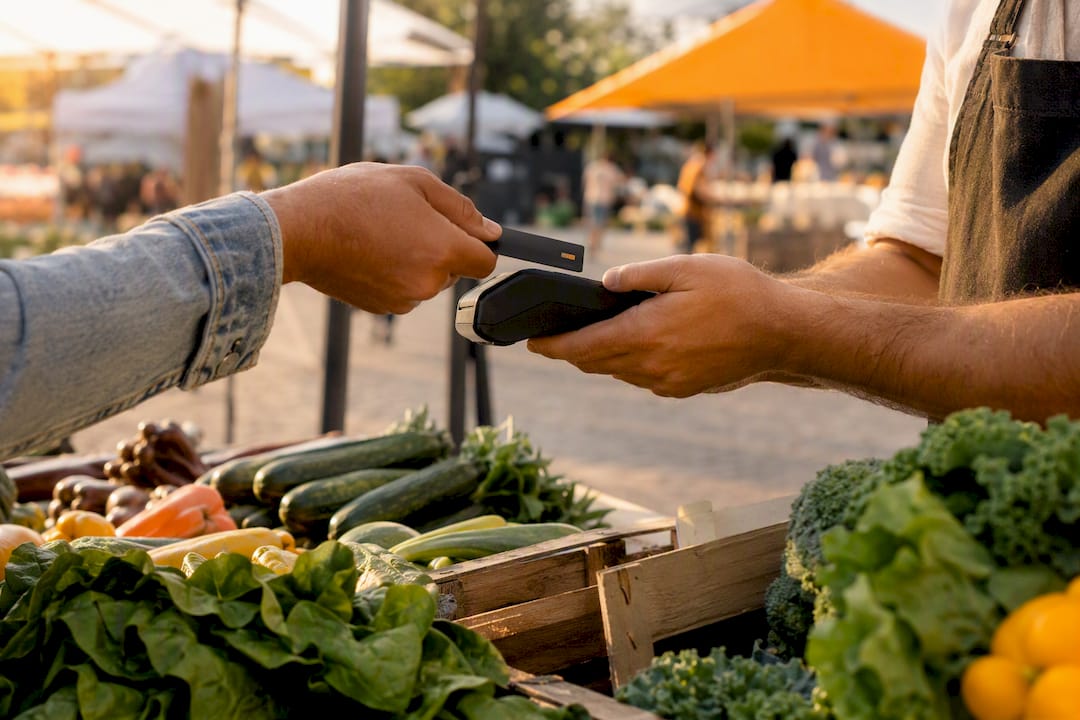
ACH and bank debit pull funds directly from a customer's checking account. Fees run meaningfully lower than card processing, which matters at scale, but settlement takes two to five business days, and failed ACH transactions (insufficient funds, closed accounts) take longer to resolve than a declined card.

Digital wallets like Apple Pay, Google Pay, and PayPal have become a default for many subscribers because they don't just speed up checkout, they persist. Apple Pay's merchant token system is built to keep your recurring authorization intact even when a customer upgrades their phone, since the token is tied to the merchant relationship rather than a single device.
Direct debit through local bank networks is common in certain international markets and works well when a business serves a heavily local customer base that trusts bank transfers over cards.
BNPL and installment plans convert well on higher-ticket subscriptions, think annual meal-plan memberships or premium cooking course bundles, where splitting the cost into three or four payments removes hesitation at checkout.
Manual payments and invoices still have a place. B2B clients often expect an invoice with net-30 terms, and prepaid models (buy a punch card of ten meals, use them whenever) don't need recurring billing at all.
Automatic vs Manual Subscription Billing: What Actually Changes
The two foundational billing approaches work almost opposite to each other, and picking the wrong one for your business model quietly erodes revenue.
- Automatic billing vaults a customer's payment method after their first transaction, then charges it on a schedule without requiring them to do anything. This is the flow behind weekly meal plans, monthly cooking-class memberships, and most consumer subscriptions.
- Manual billing sends an invoice or payment request, and the customer has to actively complete the payment. This fits B2B catering contracts, custom orders, and one-off add-ons that don't follow a fixed schedule.
Automatic billing wins on retention because it removes the chance for a customer to simply forget or delay. Manual billing wins on flexibility for irregular, high-touch relationships. The US Chamber of Commerce guide on recurring payments frames automatic vaulted billing as the standard precisely because it minimizes the operational overhead of chasing payments by hand.
Usage patterns matter here too. A weekly meal plan is scheduled (same amount, same interval). A one-time recipe ebook purchase or an à la carte catering add-on is unscheduled. A split payment on a premium annual plan is an installment. Your gateway needs to support all three if your food business sells more than one type of product.
The Technical Machinery Behind Reliable Recurring Billing
Recurring billing looks simple from the customer's side, but underneath it runs on a specific set of technical components, and understanding them helps you ask the right questions when evaluating a gateway.
Tokenization replaces sensitive card or bank data with a merchant token, so your system never has to store, or re-request, raw payment details. This is what makes charging a customer next month possible without them lifting a finger.
Stripe's documentation recommends building recurring flows around SetupIntents and PaymentIntents, which separate the act of authorizing a payment method from the act of charging it. A SetupIntent captures and validates the customer's payment method during signup; a PaymentIntent then executes the off-session charge on your schedule without the customer present.
- Merchant tokens persist across card reissues and device changes, which is why Apple Pay subscriptions often survive a lost phone or an expired card without interruption.
- usage_pattern metadata (scheduled, unscheduled, installment) tells the payment network how to handle authentication rules for each charge type, a distinction PayPal's developer documentation spells out clearly.
- Billing cycles define the interval and amount, and good gateways let you adjust them mid-subscription for upgrades or pauses.
Pro Tip: Set allowed payment method types at the subscription level, not just the customer level. Stripe's subscription-level payment method settings let you block a card from being used on an ACH-only plan, which prevents failed off-session charges before they happen.
Choosing a Gateway for Subscription Billing
Not every payment gateway handles recurring billing the same way, and the wrong choice creates friction you'll be untangling for months.
Start by matching gateway features to your actual billing patterns. If you sell scheduled meal plans, unscheduled catering add-ons, and installment payments on premium packages, your gateway needs native support for all three, not a workaround bolted onto a system built for one-time checkout.
- Integration maturity matters more than marketing copy. Look for hosted checkout flows, a documented API, native subscription-schedule objects, and reliable webhooks that notify your system the moment a renewal succeeds or fails.
- Recovery and retry tooling should be built in, not something you have to code yourself. Ask specifically about automated dunning sequences and customer self-service portals for updating a card.
- Payment method coverage should match your customer base. If a meaningful share of your subscribers are international, confirm the gateway settles in multiple currencies and supports local payment preferences.
- Reporting and reconciliation tools save real hours. A gateway that dumps raw transaction logs without categorizing renewals, refunds, and failed charges will cost you in bookkeeping time.
- Pricing structure varies widely between flat monthly platform fees and per-transaction percentages, and the "cheaper" option on paper isn't always cheaper once you factor in your actual transaction volume.
A gateway that centralizes billing, customer records, and communication in one dashboard, rather than forcing you to stitch together a processor, a spreadsheet, and a messaging app, tends to save small food businesses the most operational time over a full year.
Setting Up Subscription Billing: A Step-by-Step Checklist
Getting recurring billing right the first time saves you from a painful mid-year migration. Work through these steps in order:
- Define your billing model and usage patterns. Document exactly which products are scheduled, unscheduled, or installment-based before you touch a gateway.
- Confirm gateway support for tokens and off-session charges. Verify it can vault payment methods and correctly tag each usage_pattern.
- Build the vaulting and SetupIntent/PaymentIntent flow. Set up webhooks so your system reacts instantly to renewal, failure, and cancellation events.
- Configure retry logic and backup payment methods. Build a simple "update your payment method" flow customers can use without contacting support.
- Monitor your numbers and adjust. Track failed-payment rate, recovery rate, and involuntary churn monthly, not quarterly.
Involuntary churn, subscribers who wanted to stay but got dropped over a failed card, is often the single most fixable revenue leak in a subscription business, and it's almost entirely a function of how well you handle steps 3 and 4.
What Cards, ACH, and Wallets Actually Cost You
Payment method choice is a margin decision, not just a convenience one.
Cards typically run higher per-transaction fees than ACH once you strip out promotional rates, largely because of interchange fees set by card networks. ACH tends to cost less per transaction but settles slower, which matters if cash flow timing is tight.
- Gateway and platform fees often scale down as your monthly volume grows, so compare pricing tiers, not just the advertised rate.
- Steering price-sensitive, high-volume customers toward ACH can meaningfully cut your processing costs, though some customers still prefer the familiarity of paying by card.
- Chargebacks cost more than the disputed transaction. Factor in the dispute fee and the staff time spent responding to it.
- Reconciliation complexity rises fast once you're running multiple payment methods without a centralized dashboard tracking them all.
Reducing Involuntary Churn: What Actually Works
Most subscription revenue loss isn't customers canceling on purpose, it's failed charges nobody caught in time.
- Configure intelligent retry rules that escalate over several days rather than retrying the same card the same way repeatedly, a strategy PayPal's payment failure retry guidance recommends to recover more failed charges.
- Let customers add a backup payment method in advance, so a single expired card doesn't interrupt service.
- Send pre-charge reminders a few days before renewal, with a one-click link to update payment details.
- Use a clear billing descriptor on statements and keep cancellation simple. Confusing charges and hidden cancel buttons are two of the fastest ways to generate chargebacks and disputes.
Pro Tip: Pair your retry sequence with an email that explains exactly why the charge failed. Customers who understand the problem, an expired card versus insufficient funds, update their information faster than those who just see a generic "payment failed" notice.
Why Integrated Billing Beats Piecing Tools Together
Food businesses lose more revenue to messy admin than to bad recipes. A meal prepper juggling WhatsApp orders, a separate payment link, and a spreadsheet for customer records will eventually miss a renewal, misplace a customer's card update, or double-charge someone by accident.
Stovoo was built around the belief that recurring revenue should feel automatic, not like a second job chasing payments. Centralizing billing, bookings, and customer records in one dashboard removes the gaps where failed charges and missed renewals usually slip through. If you are testing a new billing flow, watch your failed-payment rate in the first month closely. That single number tells you more about your setup than almost anything else.
— freeman
How Stovoo Handles Subscription Billing for Food Businesses
Stovoo gives food creators, meal preppers, and catering chefs a way to run recurring billing without stitching together a processor, a spreadsheet, and three messaging apps. The platform handles automated billing and payment vaulting behind the scenes, so a weekly meal-plan subscriber gets charged on schedule without you sending a single reminder yourself.
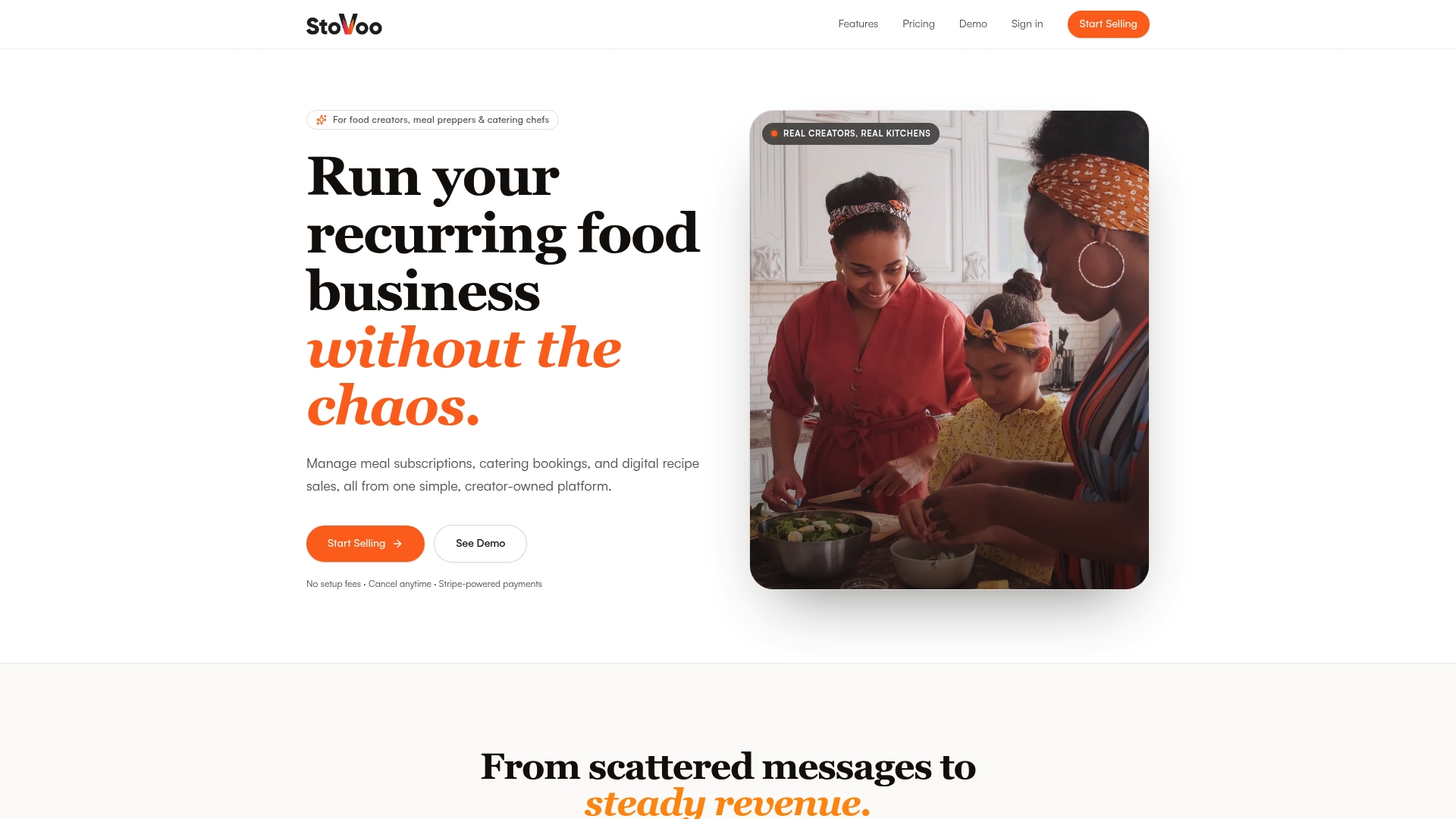
Every vendor storefront, like this example meal-plan shopfront, runs on the same mobile-first setup: customers subscribe, their payment method gets tokenized, and renewals happen automatically. Stovoo runs on a single flat monthly plan with 0% commission on sales, so growing your subscriber count doesn't quietly shrink your margin the way percentage-based platforms do. If you're ready to move off scattered tools and into one dashboard for billing, bookings, and customer management, you can create your account and start selling today.
Sources
- Stripe recurring payments and subscriptions documentation
- Small Business Guide to Accepting Recurring Payments | CO- by US Chamber of Commerce
- Integrate | PayPal Standard Checkout — Recurring payments
FAQ
What payment methods are available for subscriptions?
The main categories are credit and debit cards, ACH/bank debit, digital wallets like Apple Pay and Google Pay, direct debit, BNPL/installments, and manual invoicing.
What is the best way to pay for subscriptions?
For most businesses, automatic tokenized card or ACH billing works best because it removes the risk of a customer forgetting to pay each cycle, which is the leading cause of involuntary churn.
How do I find all of my subscriptions?
Check your bank or card statement for recurring charges, review your Apple Pay or Google Pay wallet's connected merchants, and use your bank's app if it flags recurring transactions automatically.
What are the four types of payment methods?
Broadly, payment methods split into cards, bank transfers (ACH/direct debit), digital wallets, and cash-equivalent or invoice-based methods, though subscription businesses increasingly add BNPL as a fifth option for high-ticket offers.
Does Stovoo support automatic subscription billing?
Yes. Stovoo vaults customer payment methods and charges them automatically on a set schedule, so meal-plan and catering subscriptions renew without manual invoicing.