
A meal delivery workflow is the SaaS-managed process that carries an order from your shopfront to a customer's door: intake, billing, scheduling, fulfillment, and reporting, all tracked in one dashboard instead of six apps. The single biggest fix most food businesses need is centralizing shopfront and subscription rules in one place. Your next move: build a shopfront listing or start a trial run with a dashboard built for this.
Key Takeaways
A meal delivery workflow works best when shopfront, billing, and scheduling rules live in one dashboard instead of scattered across spreadsheets and messaging apps.
| Point | Details |
|---|---|
| Lock cutoffs first | Set order cutoffs before launch so kitchen capacity and billing stay predictable. |
| Automate five core messages | Confirmation, reminder, delivery update, receipt, and renewal notices should run without manual work. |
| Watch churn by cohort | Track cancellations by join month and aim to stay under the 5% to 10% monthly benchmark. |
| Pilot before full rollout | Test with 10 to 25 customers across 2 to 3 routes over four weeks before scaling. |
| Centralize on one platform | Stovoo maps shopfront, subscriptions, billing, and messaging into a single dashboard built for this exact workflow. |
Table of Contents
- The 6-Step Meal Delivery Workflow Checklist
- How Do You Set Up a Shopfront for Subscriptions and One-Off Orders?
- How Does a Dashboard Handle Recurring Orders and Subscriptions?
- Scheduling, Batching, and Capacity: What Rules Do You Need?
- Which Customer Messages Should You Automate?
- What Should Your Billing and Tax Setup Look Like?
- What Belongs on a Fulfillment-Day Checklist?
- What Roles and SOPs Keep a Small Operation Running?
- Which KPIs Actually Tell You the Business Is Healthy?
- How Long Does It Take to Roll Out a New Dashboard?
- Why Stovoo Fits This Workflow Better Than Scattered Tools
- What I've Seen Go Wrong (and How to Fix It Fast)
- Try Stovoo to Run Your Meal Delivery Workflow
- Sources
- FAQ
The 6-Step Meal Delivery Workflow Checklist
Every functional meal delivery workflow follows the same backbone, whether you're prepping 20 orders a week or 200.
- Shopfront/catalog — customers see plans, portions, and one-off products in one place.
- Intake & subscriptions — orders and recurring drafts land automatically, no DMs required.
- Billing & payments — charges, retries, and receipts run without manual invoicing.
- Scheduling & capacity — pickup and delivery windows get locked to what your kitchen can actually produce.
- Fulfillment day — packing, QC, and dispatch happen against a checklist, not memory.
- Reporting & retention — churn, revenue, and on-time rates tell you what to fix next.
Lock the shopfront and billing rules first. Everything downstream, from scheduling to reporting, depends on clean intake data.
How Do You Set Up a Shopfront for Subscriptions and One-Off Orders?
Your catalog needs to handle three different buyer intents at once: recurring subscribers, one-time catering clients, and digital product buyers. Keep the fields minimal so setup doesn't stall your launch.
For each product, capture:
- Title and SKU
- Frequency (weekly, biweekly, one-time)
- Portion size and lead time for prep
Beyond fields, decide product-level behavior:
- Expose pause/skip and portion-size options directly on the product page, not buried in settings.
- Self-serve pause/skip cuts cancellations tied to "too much food" or short absences, which is one of the most common churn drivers in small subscriptions.
- Set a firm order cutoff (24 to 72 hours before fulfillment) so your kitchen isn't guessing Thursday night how much protein to thaw.
Pro Tip: Set your cutoff window slightly tighter than you think you need. It's easier to loosen a rule later than to explain a missed order to a subscriber.
How Does a Dashboard Handle Recurring Orders and Subscriptions?
Recurring subscriptions work as drafts: the system generates a draft order ahead of each cycle, and the customer has until your cutoff to edit, skip, or cancel. After that window closes, the draft converts to a billed, open order that flows straight into your production queue.
Billing needs its own short checklist:
- Preauthorize the card when the draft opens, not after cutoff.
- Retry failed payments automatically over 2 to 3 attempts before pausing the subscription.
- Let customers see upcoming charges inside their account, so nobody's surprised by a Tuesday charge.
- Separate "pause" from "cancel" as distinct actions, tracked differently in reporting.
A healthy monthly cancellation rate for a small food subscription sits around 5% to 10%, and tracking cancellation reasons is what lets you actually act on that number instead of just watching it.
Pro Tip: Build your dunning flow before your first payment failure, not after. A three-attempt retry with a friendly reminder email beats a manual "hey, your card declined" text every time.
Scheduling, Batching, and Capacity: What Rules Do You Need?
Time slots only work if they're tied to what your kitchen can produce, not just what the calendar has open. Define delivery and pickup windows as fixed blocks (say, Tuesday 4 to 6 p.m. for Route A), and link each window to a specific fulfillment plan inside the dashboard so orders route automatically.
Batching then groups orders by:
- Route or delivery zone, so packing happens in geographic order.
- Production shift, so proteins and sides get made in the sequence they'll be packed.
- Slot caps, meaning a maximum number of orders per window before the slot closes automatically.
For last-minute adds, build a waitlist rather than overriding your cap. Overflow orders should roll into the next available slot, not force your kitchen into a shift it can't safely handle.
Which Customer Messages Should You Automate?
Five messages cover most of your communication load: order confirmation, upcoming delivery or pickup reminder, delivery update, receipt or invoice, and subscription renewal notice. Automate all five before you worry about anything fancier.
Ownership matters as much as the message itself:
- Order confirmations and receipts route automatically, no human needed.
- Delivery updates and payment-failure follow-ups go to whoever owns customer support, funneled into one shared inbox instead of scattered across text threads.
- Renewal notices stay automated but get flagged for a manual check if a payment fails twice.
Trigger examples: "order created" fires the confirmation, "order opens" fires the reminder, "payment failed" fires the dunning message. A simple starter template: "Hi [name], your [plan] delivery is scheduled for [date] between [window]. Reply here with any changes before [cutoff]."
Pro Tip: Route every automated message reply into the same inbox your team checks daily. Splitting replies across email, text, and social DMs is how customer questions get lost.
What Should Your Billing and Tax Setup Look Like?
Decide upfront whether you charge at order open or at fulfillment. Charging at open protects cash flow but complicates refunds; charging at fulfillment simplifies refunds but delays revenue recognition. Most subscription-based meal businesses charge at open and build a clear refund policy around it.
A few non-negotiables for your billing setup:
- Record tax rates per fulfillment zone, since delivery and pickup can cross tax jurisdictions even within one city.
- Include delivery fees as a visible line item on every invoice, not folded into the product price.
- Use integrated order-to-billing systems rather than exporting to a separate invoicing tool, which is where charges get missed or duplicated.
- For catering, offer partial payment (deposit plus balance) rather than requiring full payment upfront.
Add a short tax disclaimer on invoices noting that rates reflect the fulfillment zone, not the business address; that one line prevents a lot of confused emails.
What Belongs on a Fulfillment-Day Checklist?
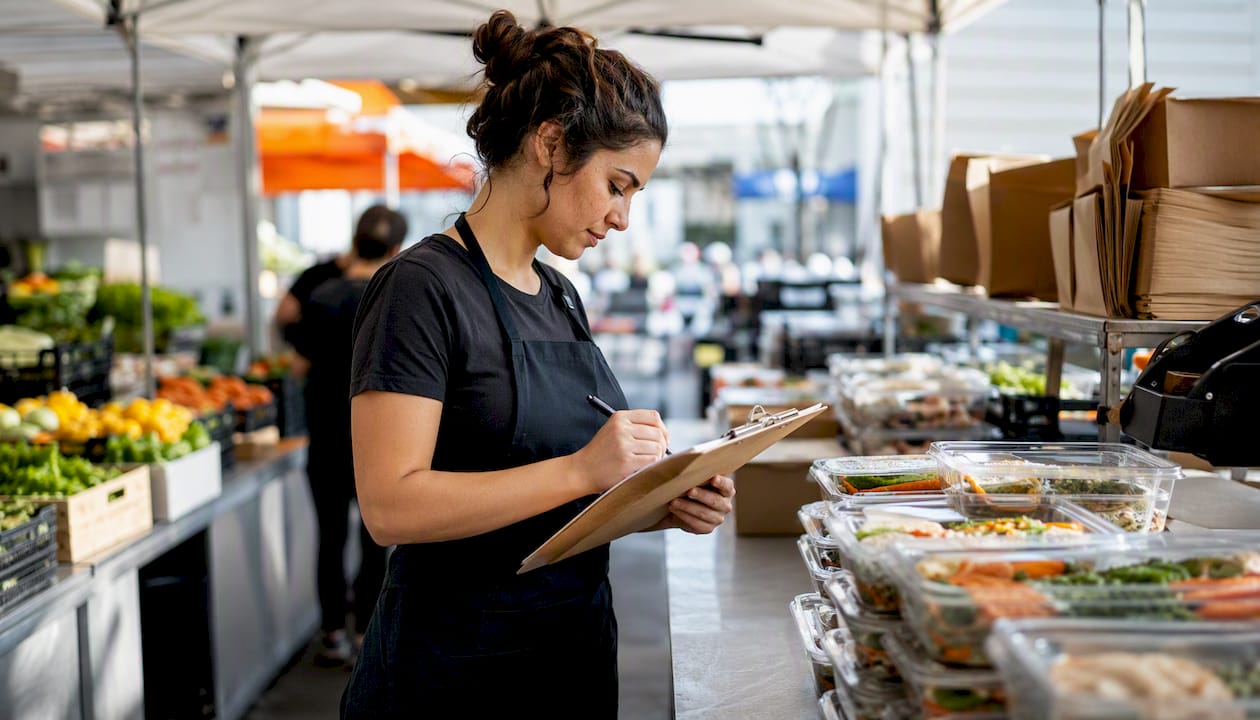
Fulfillment day succeeds or fails on repeatable steps, not memory. Before the shift starts, run through inventory counts, print labels and route manifests, and check refrigeration temperatures for anything perishable.
During packing:
- Count items against the order before sealing, not after.
- Take a quick QA photo for catering orders or high-value boxes, since it settles disputes fast.
- Seal and label with the route/slot code visible, so packers downstream don't have to re-check the manifest.
Once a box leaves the building, mark it dispatched or delivered in the dashboard immediately. That status change is what triggers your automated delivery-update message, and it's also what keeps your on-time rate accurate for reporting later. Operators running fresh-food delivery workflows consistently flag this handoff step as where quality control either holds or breaks down.
Pro Tip: Assign one person to own the "mark as delivered" step. When it's everyone's job, it's nobody's job, and your reporting quietly goes stale.
What Roles and SOPs Keep a Small Operation Running?
Five roles cover most operations: a shop owner or manager, an order-ops coordinator, a packer, a delivery coordinator, and a customer support owner. One person can hold two or three of these roles under 50 weekly orders.
Write one-paragraph SOPs for your riskiest moments: how payment failures get resolved (retry, then pause after attempt three), how a canceled subscription gets processed (immediate access cutoff, final invoice sent), and who approves last-minute catering edits (only the shop owner, never the packer). Move from part-time to dedicated staff once you're consistently clearing 75 to 100 orders a week; below that, automation covers the gap.
Which KPIs Actually Tell You the Business Is Healthy?
Five numbers matter more than the rest: monthly churn, average order value (AOV), on-time fulfillment rate, revenue per route, and a rough LTV-to-CAC ratio. Everything else is detail.
Your dashboard's summary view should surface, at a glance:
- Active subscribers and open orders today
- Payment failures awaiting resolution
- Upcoming pickups by route or window
Track churn by cohort, grouped by join month, so you can tell whether a promotion, a menu change, or a packing problem caused a retention dip. For a small list, a three-month rolling average smooths out the noise a single bad week creates, and normalizing revenue into one consistent statement across catering, subscriptions, and digital sales avoids the reporting confusion that trips up growing operations.
How Long Does It Take to Roll Out a New Dashboard?
A four-week pilot is realistic for most small operations, and rushing it is the most common reason rollouts stall.
| Week | Milestone |
|---|---|
| 0 to 1 | Build product model and shopfront (plans, catalog, pricing) |
| 2 | Import customers, run test orders end to end |
| 3 | Run live pilot deliveries, refine cutoffs and messaging |
| 4 | Full rollout to your complete customer list |
Before cutover, export a CSV of active customers as a backup, freeze subscriptions for one billing cycle during migration, and test your dunning flow on a small cohort before trusting it with your full list. Keep the pilot to 10 to 25 customers across 2 to 3 routes, and measure order accuracy and on-time rate before declaring it ready for everyone. Regular 90-day fulfillment audits after launch catch the small packing or waste inefficiencies that compound into real monthly cost.
Why Stovoo Fits This Workflow Better Than Scattered Tools
Every step in this workflow maps to a specific Stovoo function, which is exactly the point. Stovoo replaces the shopfront, subscription engine, billing system, and customer inbox with one dashboard instead of five disconnected tools.
- Shopfront and catalog — build weekly plans, one-off catering bookings, and digital recipe downloads on a single mobile-first storefront.
- Subscription management — pause/skip, portion tiers, and cutoff rules live at the product level, matching the setup steps above.
- Automated billing — preauthorization, retries, and receipts run without manual invoicing.
- Customer inbox — confirmations, reminders, and delivery updates route to one place, not six.
For the pilot timeline above, Stovoo's guide to launching meal subscriptions walks through the same staged rollout, starting with storefront and subscription tools before layering on anything more complex.
Pro Tip: Don't try to migrate every product type on day one. Launch subscriptions first, add catering bookings in week two once billing is stable.
What I've Seen Go Wrong (and How to Fix It Fast)
The most common failure isn't the software. It's launching without clear cutoff rules, then scrambling when a customer edits an order six hours before delivery. A close second: mixing one-off catering inventory with subscription stock without mapping which pool feeds which order, which creates shortages nobody sees coming.
Both are fixable within a single live week if you catch them early. Tighten cutoffs the moment you notice edits arriving too late to accommodate. Separate inventory pools the first time a catering order eats into next week's subscription boxes. And build your dunning flow before you need it, not after a failed payment already cost you a customer. If you haven't set your cutoff rules yet, that's the onboarding checklist to work through first.
Try Stovoo to Run Your Meal Delivery Workflow
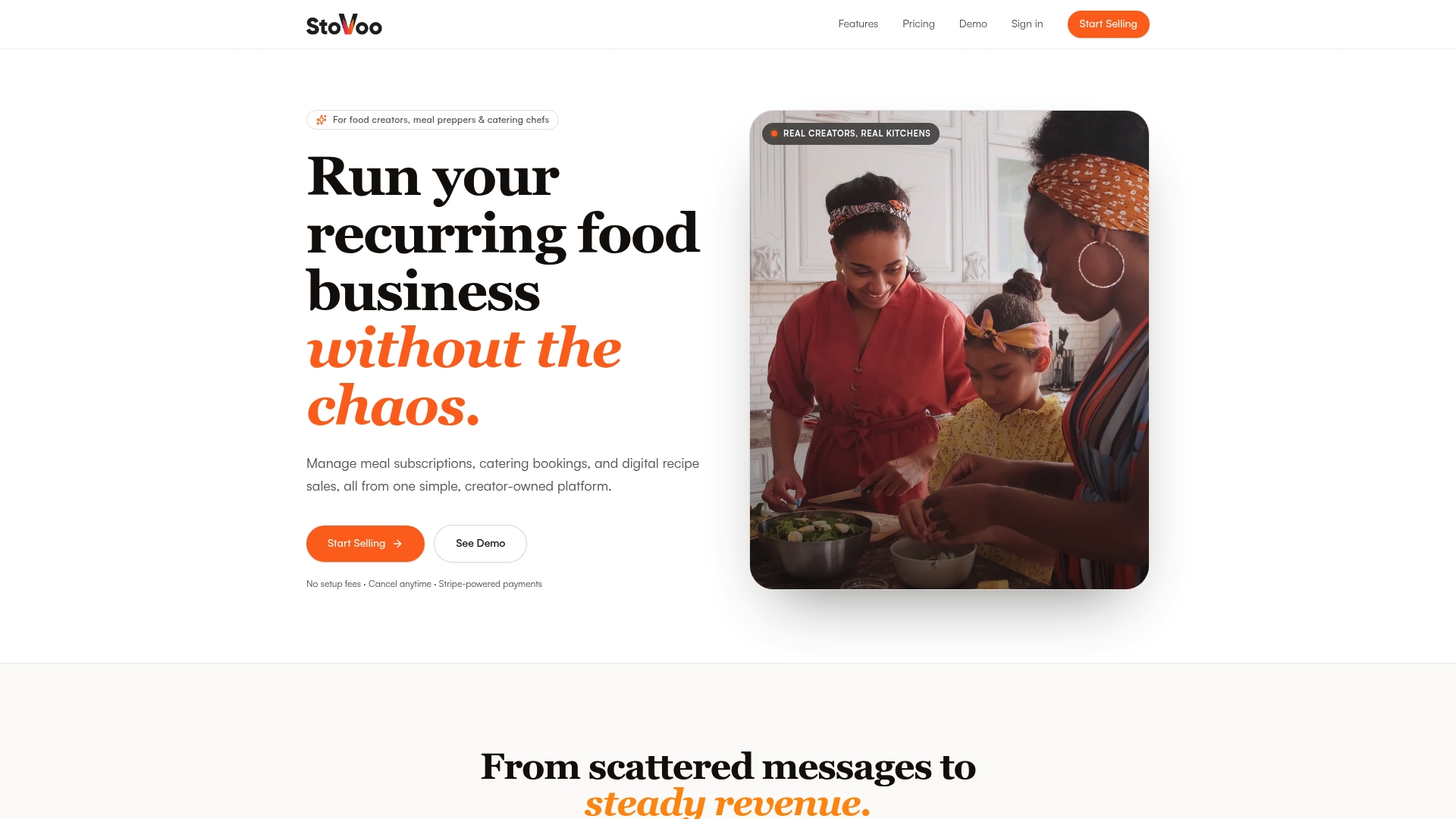
Stovoo is the fix for the spreadsheet-and-WhatsApp chaos that swallows food business owners' evenings. It centralizes the shopfront, subscription rules, and billing you just read about into one dashboard, so you stop copying orders between three apps and start running the workflow on autopilot.
A few things happen immediately once you're in:
- Your shopfront goes live in minutes, ready to share as a link across social and messaging apps.
- Pause/skip and portion controls sit on the product page from day one, cutting the manual cancellation requests that eat your inbox.
- Billing runs on autopilot: preauthorization, retries, and receipts, no invoice-chasing required.
Vendor shopfronts already running on Stovoo, from meal-plan sellers to catering operators like Culater Catering's, show what this looks like live. If your current setup is a patchwork of forms and text threads, create your account and build your shopfront today.
Sources
A few sources shaped the checklists in this guide, and each is worth a closer read if you're building out a specific piece of your operation.
- Revenue Architecture for Restaurant Groups: POS Data, Delivery…
- Subscription Cancellations in Food Business: Pause, Win-Back + Benchmarks
Stovoo's own blog carries additional templates for recurring order management and customer retention strategy if you want to go deeper on either piece.
FAQ
What Is a Meal Delivery Workflow?
It's the SaaS-managed process that moves an order from shopfront to fulfillment: intake, billing, scheduling, packing, and reporting, tracked in one dashboard rather than across separate tools.
How Do I Reduce Subscription Cancellations?
Make pause and skip options self-serve on the product page rather than requiring a message to your team; this single change addresses the most common cancellation triggers, like "too much food" or a short absence.
Should I Charge at Order Open or at Fulfillment?
Most subscription meal businesses charge at order open to protect cash flow, then build a clear refund policy for cancellations that happen before fulfillment.
How Long Should a Dashboard Pilot Run Before Full Rollout?
Four weeks is realistic: one to two weeks for setup, one week to import customers and test orders, and one week of live pilot deliveries with 10 to 25 customers before scaling to your full list.
Does Stovoo Handle Both Subscriptions and One-Off Catering Orders?
Yes. Stovoo's dashboard manages recurring meal plans, one-off catering bookings, and digital recipe sales in the same shopfront, so you don't need separate tools for each order type.