

TL;DR:
- Creating digital recipes requires clear structure, using formats like Cooklang, PDF, or Canva to suit purpose. Protect your creative work through originality in photos, narratives, and styling, as copyright covers those elements. Building a professional sales bundle with high-resolution exports and proper packaging enhances buyer trust and sustains income.
Digital recipe creation is the process of designing, formatting, and distributing culinary instructions through digital files and platforms for reading, printing, or selling online. Formats like Cooklang, PDF, and Canva templates have made this process accessible to any food creator with a clear idea and a laptop. Knowing how to create digital recipes means more than typing out ingredients. It means structuring content for usability, choosing the right export settings, protecting your creative work legally, and delivering a product buyers trust. This guide covers every step, from structure to sale.
What essential components should every digital recipe include?
A well-built digital recipe follows a predictable structure that readers can scan quickly and cooks can follow without confusion. Missing even one element, like yield or cook time, forces buyers to guess. That erodes trust fast.
Every complete digital recipe needs these core components:
- Title and description: A clear name plus one or two sentences explaining the dish, its flavor profile, and who it suits.
- Yield and servings: State how many portions the recipe produces. Buyers need this before they even start cooking.
- Prep and cook times: List both separately. A 10-minute prep and a 2-hour braise are very different commitments.
- Ingredient list: Use consistent units throughout. Do not mix grams and cups in the same recipe without a conversion note.
- Step-by-step instructions: Write each step as a single action. "Sauté onions until translucent" is one step. "Sauté onions, then add garlic, then deglaze" is three.
- Tips, substitutions, and storage notes: These sections separate a professional recipe from a basic one. They answer the questions buyers ask before they ask them.
- Metadata: Tags, categories, author name, and source URL help organize large recipe collections and improve searchability.
The Cooklang specification formalizes this structure with YAML front matter for metadata fields like title, tags, servings, and author, plus inline syntax for ingredients and cookware. That structure makes recipes machine-readable without sacrificing human readability.
Pro Tip: Write your recipe once in plain text before touching any design tool. Separating content from layout catches errors in logic and measurement before they get locked into a formatted file.
Which digital formats and tools work best for recipe creators?
The format you choose shapes how buyers use, print, and share your recipes. Three formats dominate the space in 2026: Cooklang plain text, PDF, and design-first tools like Canva.
Cooklang's plain-text format uses .cook files with @ingredient syntax, #cookware tags, and ~timer markers. Its dual design serves both human readers and software parsers. That means a Cooklang recipe can scale servings automatically, render in a dedicated app, or convert to another format without manual re-entry. For creators building large recipe libraries or apps, Cooklang is the most future-proof option.
PDF is the dominant format for selling recipes online. Buyers can print it, save it, and read it on any device without special software. The tradeoff is that PDFs are static. Updating a recipe means exporting a new file and notifying buyers.
| Format | Best for | Pros | Cons |
|---|---|---|---|
| Cooklang (.cook) | App developers, large libraries | Machine-readable, scalable, version-friendly | Requires parser or app to render nicely |
| Selling and printing | Universal, print-ready, professional look | Static, harder to update | |
| Canva template | Visual recipe cards, social content | Easy design, shareable, brand-consistent | Not ideal for long-form books |
| Word/Google Docs | Drafting and collaboration | Easy editing, shareable links | Inconsistent formatting across devices |
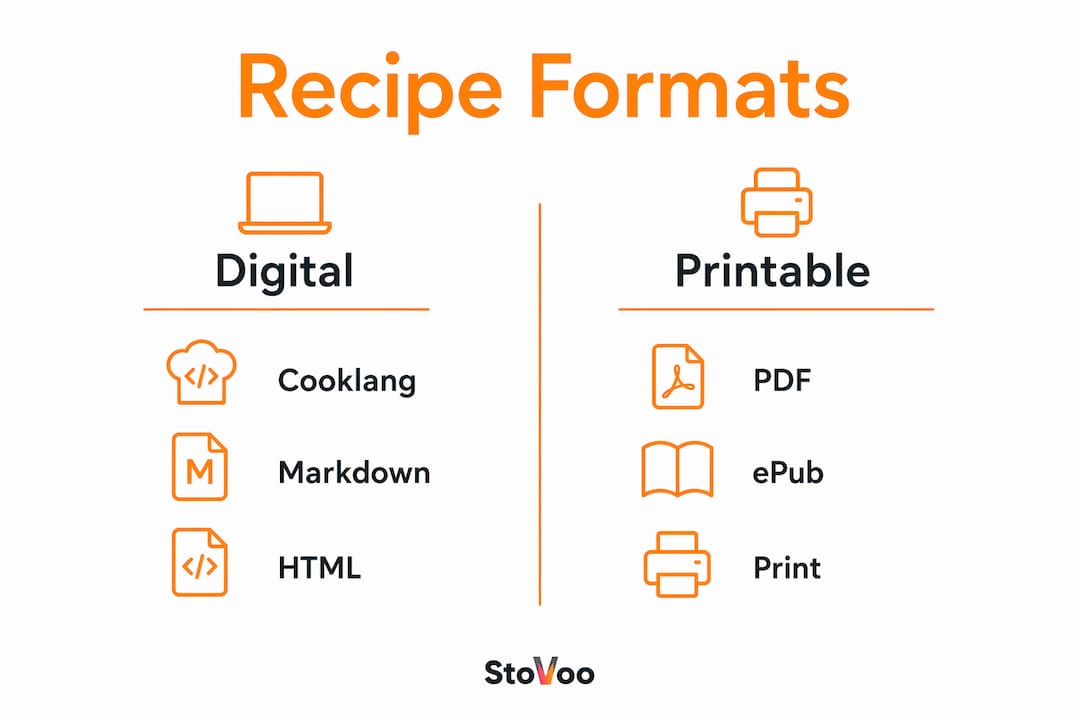
Canva works well for recipe cards, ebook covers, and social-ready visuals. Its template library includes food-focused layouts that cut design time significantly. For creators who want to sell a polished recipe ebook, Canva handles layout while Cooklang or a Word doc handles the raw content draft.
Pro Tip: Draft in Cooklang or plain text, design in Canva, and export as PDF. That three-step workflow keeps your content clean and your files sellable.
How can you package, deliver, and sell digital recipes online?
Packaging a recipe for sale is different from writing one for personal use. Buyers expect a complete product, not just a list of ingredients and steps.
Follow this workflow to prepare your recipes for sale:
- Finalize your content. Proofread every recipe for measurement consistency, logical step order, and completeness. Fix errors before design, not after.
- Design your layout. Use Canva or a similar tool to apply consistent fonts, colors, and spacing. Brand your pages with a logo or author name.
- Export at 300 DPI. Print-quality exports at 300 DPI prevent blurry printouts, which are the most common cause of poor buyer reviews for digital recipe products.
- Build your bundle. A professional digital recipe bundle includes the master recipe PDF, a "start here" instructions file, a license document, and a changelog for version tracking. These additions reduce support requests and increase buyer confidence.
- Host large files externally. Files over 20MB upload slowly and strain platform servers. Host them on Google Drive or Dropbox and deliver a download link through your sales platform.
- Choose a sales platform. Platforms like Sellfy support digital recipe downloads with secure payment processing and instant delivery. Stovoo offers food creators a dedicated shopfront that handles digital recipe sales alongside meal plans and catering bookings.
- Set your price. Price based on the depth of your content, not just page count. A 10-recipe specialty collection with substitutions, tips, and photos commands more than a 30-recipe plain-text document.
Key packaging considerations:
- Keep individual PDF files under 20MB where possible for faster downloads.
- Use a consistent file naming convention so buyers can organize their purchases.
- Include your contact or support email in the bundle for post-purchase questions.
Pro Tip: Version your files with a date or number in the filename (e.g., "summer-salads-v2-2026.pdf"). Buyers who repurchase or request updates will thank you, and your own file management will stay organized.
What legal considerations should digital recipe creators keep in mind?
Copyright law protects the creative expression in your recipes, not the underlying idea. Copyright covers your prose, photos, and unique instructions, but not a bare ingredient list or a standard cooking method. That distinction matters for every creator publishing recipes online.
Practical legal points every creator should know:
- Originality is your protection. A recipe with a distinctive narrative voice, original photography, and creative headnotes receives stronger copyright protection than a plain ingredient list with generic steps.
- Ingredient lists alone are not protected. "2 cups flour, 1 egg, 1 tsp salt" is a fact, not creative expression. Anyone can reproduce that list legally.
- Photos are fully protected. Your food photography is copyrighted the moment you take it. Watermark or embed metadata in every image you publish.
- Credit your sources. If you adapt a recipe from another creator, acknowledge it. Adaptation without credit is not illegal in most cases, but it damages your reputation and the community.
- Trade secrets and patents rarely apply to online recipe sharing. Focus your protection strategy on originality, not legal mechanisms designed for industrial processes.
"Viewing recipes as creative assets means focusing on originality beyond ingredient lists to protect photos, narratives, and styling." — Vermont Law Review
For a deeper look at protecting your recipe content, Stovoo's blog covers ownership frameworks specific to food creators.
What common mistakes do recipe creators make, and how do you avoid them?
The most damaging mistakes in digital recipe creation happen before a single buyer sees the file. Catching them early saves time and protects your reputation.
- Writing and designing at the same time. Switching between content and layout breaks your focus on both. Write everything first. Design second. Always.
- Inconsistent units. A recipe that uses grams in one section and ounces in another forces the cook to convert mid-task. Pick one system and apply it throughout every recipe in your collection.
- Skipping print resolution checks. Exporting below 300 DPI produces pixelated printouts. Check your export settings before every final save.
- No metadata or tags. Recipes without tags, categories, or author fields are hard to search and impossible to organize at scale. Add metadata to every file, even if you only have ten recipes today.
- No versioning system. Recipes change. Ingredients get updated. Errors get corrected. Without a changelog or version number, you cannot communicate updates to buyers or track what changed.
- Ignoring file size. A 60MB PDF frustrates buyers on slow connections. Compress images before embedding them without sacrificing print quality.
Pro Tip: Use Cooklang's inline ingredient referencing during your drafting phase. It forces you to name every ingredient precisely as you write each step, which catches omissions before they reach the final file.
Key Takeaways
Creating professional digital recipes requires clear structure, the right format, print-ready exports, a complete sales bundle, and original creative expression to protect your work legally.
| Point | Details |
|---|---|
| Structure every recipe completely | Include title, yield, times, ingredients, steps, tips, and metadata before designing. |
| Match format to purpose | Use Cooklang for libraries and apps, PDF for selling, and Canva for visual design. |
| Export at 300 DPI | Print-quality resolution prevents poor reviews and protects your product's reputation. |
| Bundle your sale package | Add a start guide, license file, and changelog to reduce support requests and build buyer trust. |
| Protect through originality | Copyright covers your prose, photos, and styling. Invest in those elements, not just ingredient lists. |
Why digital recipe creation rewards creators who think like publishers
I have watched food creators spend weeks perfecting a recipe and then upload a blurry, unstructured PDF with no metadata, no license, and no instructions file. The recipe itself was excellent. The product was not. That gap between a great recipe and a great digital product is where most creators lose buyers and revenue.
The creators who succeed treat their recipes like a publisher treats a book. They draft in plain text, design with intention, export with precision, and bundle with the buyer's experience in mind. They also understand that their photos and narrative voice are their legal protection. A list of ingredients is not an asset. A beautifully written, photographed, and packaged recipe collection is.
Cooklang is worth experimenting with even if you never build an app. The discipline of writing in a structured markup format forces clarity that carries over into every other format you use. And that clarity is what separates a recipe buyers recommend from one they forget.
The creators building sustainable income from digital recipes in 2026 are not the ones with the most followers. They are the ones who treat every file they sell as a finished product.
— freeman
Stovoo gives food creators a platform built for digital recipe sales
Food creators who want to sell digital recipes need more than a file hosting service. They need a platform that handles payments, delivery, and customer relationships in one place.
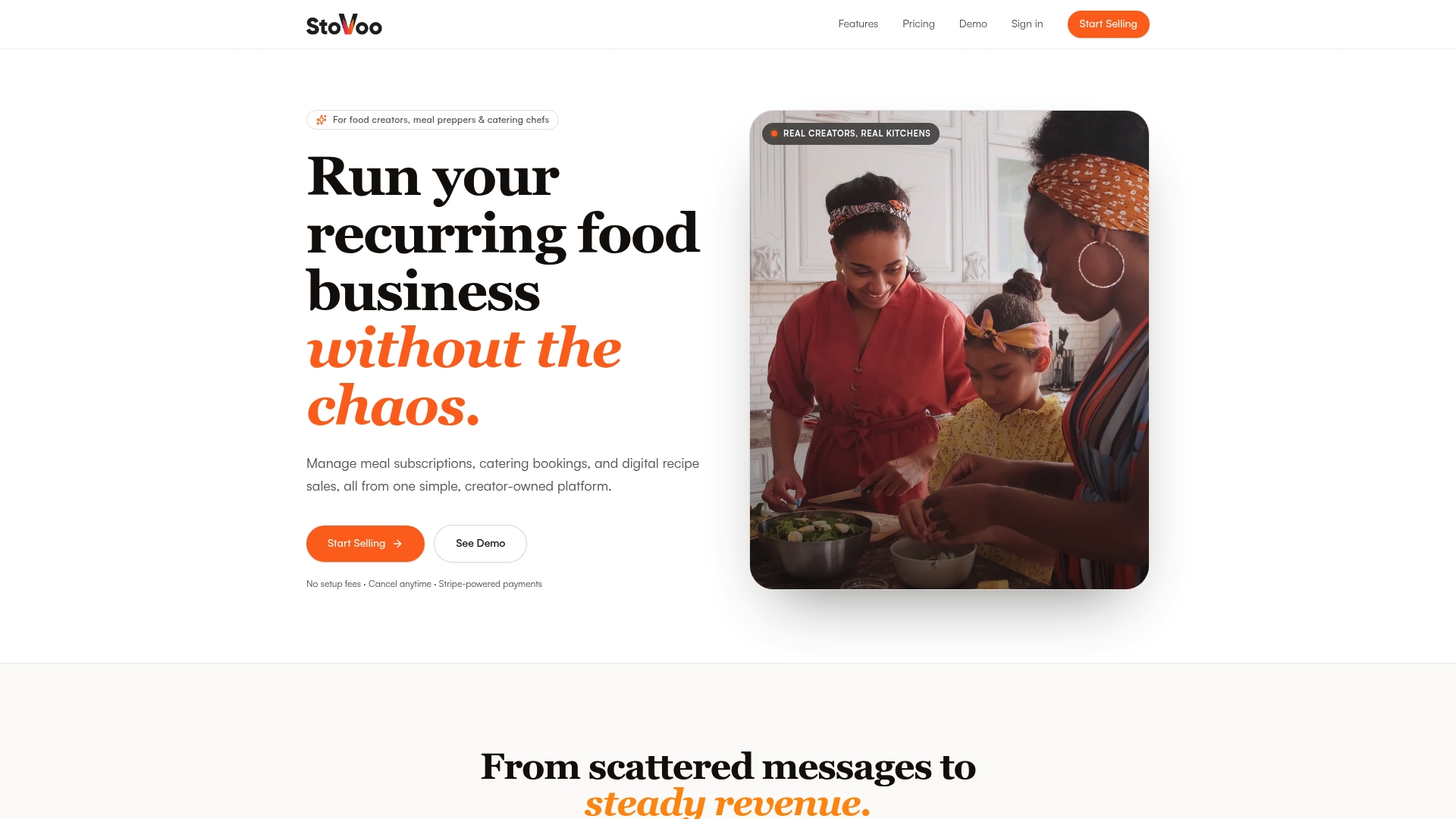
Stovoo is built specifically for food entrepreneurs, from meal preppers to catering chefs to digital recipe authors. The platform gives creators a mobile-first shopfront where buyers can purchase and download recipes instantly. It also supports meal subscription plans and catering bookings, so your digital recipe sales sit alongside your other revenue streams without extra tools or spreadsheets. Creators like those on Stovoo's food marketplace are already using the platform to reach buyers and build recurring income. If you are ready to turn your recipes into a real product, set up your Stovoo account and publish your first digital recipe today.
FAQ
What is a digital recipe?
A digital recipe is a formatted culinary instruction set distributed as a digital file, such as a PDF, Cooklang .cook file, or ebook, designed for reading, printing, or selling online.
What format is best for selling recipes online?
PDF is the most widely used format for selling recipes because it is printable, universally readable, and works on any device without special software.
Do I need to copyright my recipes before selling them?
Copyright protection applies automatically to original creative expression, including your recipe prose, photos, and styling. Registration strengthens your legal position but is not required to have protection.
How do I price a digital recipe collection?
Price based on content depth, originality, and production quality rather than page count. A focused specialty collection with original photography and detailed notes commands a higher price than a plain-text document.
What should I include in a digital recipe bundle?
A complete recipe bundle includes the master recipe PDF, a start guide, a license or terms document, and a changelog so buyers understand what they received and how to get support.