
The digital cookbook sales process that works comes down to three phases: build an audience for roughly six months before you launch, run a timed launch sequence, then optimize based on real buyer data. Skip the audience-building phase and you're launching to strangers, which explains why so many recipe ebooks sell a handful of copies and stall. A platform like Stovoo helps food creators run this whole process, from shopfront to automated delivery, without duct-taping together five different tools.
Your next move today: pick one narrow niche promise (think "15-minute Filipino weeknight dinners," not "healthy recipes") and turn it into a free sample recipe you trade for an email address to align with current trends in gastronomy.
- Choose one specific audience and one specific problem you solve for them
- Build a one-page lead magnet recipe with your name and a call-to-action
- Start collecting emails before you write a single other page
Key Takeaways
A repeatable three-phase sales process, pre-launch audience building, a timed launch sequence, and post-launch optimization, is what turns a digital cookbook into consistent revenue rather than a one-time sale spike.
| Point | Details |
|---|---|
| Build your audience first | Spend around six months sharing recipe testing and free samples before launch to boost first-day conversion. |
| Price by collection size | Charge $9 to $14 for a focused 25 to 40 recipe collection, and $14 to $22 for larger books. |
| Export files at 300 DPI | Always deliver a separate print PDF at 300 DPI and print a sample page to catch errors before launch. |
| Track five core KPIs | Watch conversion rate, revenue per visitor, average order value, refund rate, and repeat buyer rate. |
| Use a food-focused shopfront | Stovoo automates billing and download delivery so creators keep customer ownership without juggling separate tools. |
Table of Contents
- The Digital Cookbook Sales Process, Step by Step
- How Should You Price and Package a Digital Cookbook?
- Where Should You Sell and How Should You Deliver Files?
- How Do You Market and Promote a Digital Cookbook Before Launch?
- Which Metrics Actually Predict Cookbook Revenue?
- What Are the Support, Refund, and Copyright Basics?
- How Do You Prevent Fraud and Protect Your Digital Files?
- How Stovoo Simplifies Your Digital Cookbook Sales Process
- Sources
- FAQ
The Digital Cookbook Sales Process, Step by Step
Selling digital cookbooks isn't a launch day event. It's a sequence, and skipping steps is the most common reason a good cookbook underperforms.
Pre-launch: months 1 through 6
Industry practitioners consistently point to about six months of pre-launch audience building as the window that separates a launch day with real momentum from one that lands with a thud. During those months, you're sharing recipe testing, publishing free sample meal plans, and growing an email list of people who already trust your cooking before you ask them to buy anything.
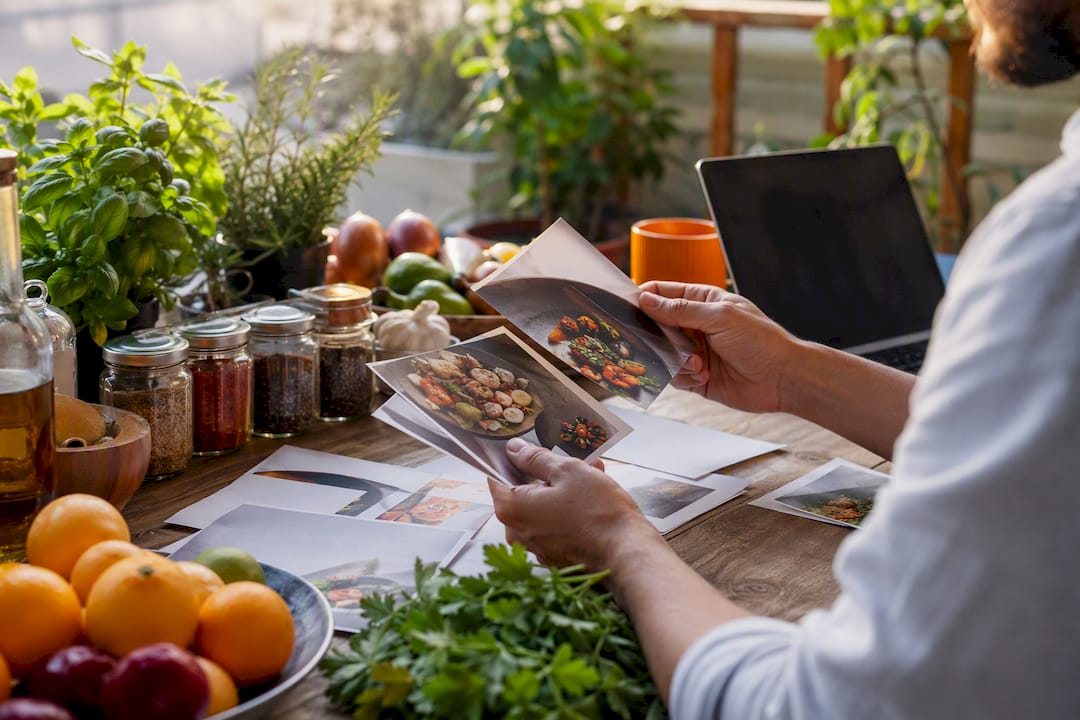
Partner outreach belongs here too. Reach out to smaller food bloggers or complementary equipment brands in month three or four, not launch week, so relationships have time to develop into real promotion.
Launch week
Final quality checks come first: proof every recipe measurement, confirm your PDF exports, and build your cover and interior mockups. Then run a five-email sequence (teaser, early access, launch day, 48-hour reminder, final call) alongside a modest paid test on social to gauge early demand.
Post-launch: the first 90 days
Watch your first 48 to 72 hours closely. That window tells you if your price, cover, and copy are working. At the 30-day mark, shift focus to refund handling, upsells, and your first round of iteration based on actual buyer behavior.
| Phase | Timing | Key actions |
|---|---|---|
| Audience build | Months 1–5 | Share recipe testing, grow email list, distribute free sample recipes |
| Pre-launch prep | Month 6 | Finalize product files, build mockups, line up partners |
| Launch sequence | Launch week | Send 5-email sequence, run early-bird pricing, test paid social |
| Early signal review | First 48–72 hours | Watch conversion rate, adjust ad spend, fix checkout friction |
| Optimization | Days 30–90 | Handle refunds, launch upsells, run first A/B tests |
Pro Tip: Automate re-download links and write two or three canned support replies before launch. Founders who handle every "where's my file" email manually burn hours they should be spending on marketing.
How Should You Price and Package a Digital Cookbook?
Pricing is where most first-time cookbook creators leave money sitting on the table. A focused collection of 25 to 40 recipes typically lands between $9 and $14, while a larger, more comprehensive book can support $14 to $22 without hurting conversion. Go too far below that range and buyers assume the content is thin.
Packaging is where the real revenue upside lives:
- Single downloadable PDF for testing demand at low commitment
- Multi-volume bundles once you have two or three related titles
- Companion printable shopping lists or meal-plan calendars as add-ons
- A subscription or recipe-library model for repeat, recurring revenue
Platform fees matter more than most creators realize. Selling through a marketplace that takes 30% versus a direct-to-buyer shopfront changes your real margin dramatically, and separate market data shows digital recipe pricing varies widely from low single-digit prices per download up to multiple hundreds of dollars for full licensing deals, depending on packaging and rights sold.
Pro Tip: Before building a full cookbook, sell one standalone recipe for $2 to $5 as a tripwire. If it doesn't move, your niche or your audience needs work before you invest weeks in a bigger product.
Where Should You Sell and How Should You Deliver Files?
Where you host your cookbook depends on your stage. Marketplaces help with discovery when you have zero audience. Direct checkout works once you're driving your own traffic through social or email. A dedicated food-focused shopfront like Stovoo fits creators who want automated billing, customer data ownership, and one clean link to share everywhere instead of juggling a payment processor, an email tool, and a file host separately.
Delivery quality determines your refund rate more than almost anything else. Export every print-ready file at 300 DPI, and always print a sample page at home before you publish. Buyers who print blurry text at home leave one-star reviews fast, and there's no walking that back.
Your delivery checklist should include:
- A screen-optimized PDF for phone and tablet reading
- A separate print PDF at 300 DPI, formatted for US Letter
- A short "Start Here" guide and a plain-language license summary inside the ZIP
- Automated download links so buyers never wait on you for access
Pro Tip: Print one physical copy of your finished cookbook before launch. It's the fastest way to catch margin errors, cut-off text, or photos that look great on screen but muddy on paper.
How Do You Market and Promote a Digital Cookbook Before Launch?
Marketing your cookbook is a compounding effort, not a single announcement. Here's the sequence that gets results:
- Post consistently in your niche. Share recipe testing, behind-the-scenes cooking, and short-form video teasers weekly for the full six-month build-up.
- Build a Pinterest asset library. Recipe pins with strong photography drive steady, low-effort traffic long after you post them.
- Launch a lead magnet. One free recipe or a three-day mini meal plan, gated behind an email signup, does more for list growth than any single social post.
- Run your email launch sequence. Teaser, early access for subscribers, launch day announcement, a 48-hour reminder, and a scarcity close on day five or six.
- Test small paid budgets early. A modest Reels or TikTok creative test alongside a narrow search ad test tells you which message resonates before you scale spend.
- Reach out to partners directly. Send niche food bloggers or small kitchen equipment brands three finished recipes with photos and a short note asking if they'd share it with their audience.
Longer term, publishing one to two full recipes per week with proper schema markup and shoppable ingredient links builds organic search traffic that keeps feeding your cookbook sales months after launch.
Your mockup set matters as much as your copy: a clean cover image, one interior sample spread, and a bonus-pages preview consistently outperform generic stock-style covers.
Which Metrics Actually Predict Cookbook Revenue?
Track five numbers and you'll know exactly where your sales process is leaking money: conversion rate (listing views to purchases), revenue per visitor, average order value, refund rate, and repeat buyer rate.
Two operational metrics deserve a spot on your dashboard too: download success rate and support tickets per 100 buyers. A spike in either usually means a file or delivery problem, not a marketing problem.
Run these experiments between launches:
- A/B test your listing price at two nearby price points
- Swap your primary mockup image and measure the conversion shift
- Test leading with a bonus bundle versus the single book alone
- Simplify checkout to remove any unnecessary form field
Give each test a 30-day read and a 90-day iteration cycle. Early signal in week one tells you whether to keep running the test or kill it.
What Are the Support, Refund, and Copyright Basics?
Every digital cookbook needs a clear refund policy before launch, not after your first complaint. A common approach: offer refunds within 7 to 14 days for technical delivery failures (corrupted file, broken link), while treating "I changed my mind" requests separately since digital products can't be returned the way physical goods can.
Copyright protection for your own recipes is limited. Recipe ingredient lists generally aren't copyrightable on their own, but your specific instructions, photography, and the overall creative expression of your cookbook are. That's worth stating plainly inside your license summary rather than assuming buyers know it.
Licensing terms belong inside every download, not buried on a website page nobody reads twice. Spell out whether buyers can print copies for personal use, share the file with family, or resell your content, since defining recipe ownership clearly upfront prevents the majority of support disputes before they start.
Set a support response window you can actually hit. Most solo creators can manage a 24 to 48 hour reply time for email inquiries; commit to that publicly and you'll get far fewer frustrated follow-ups.
How Do You Prevent Fraud and Protect Your Digital Files?
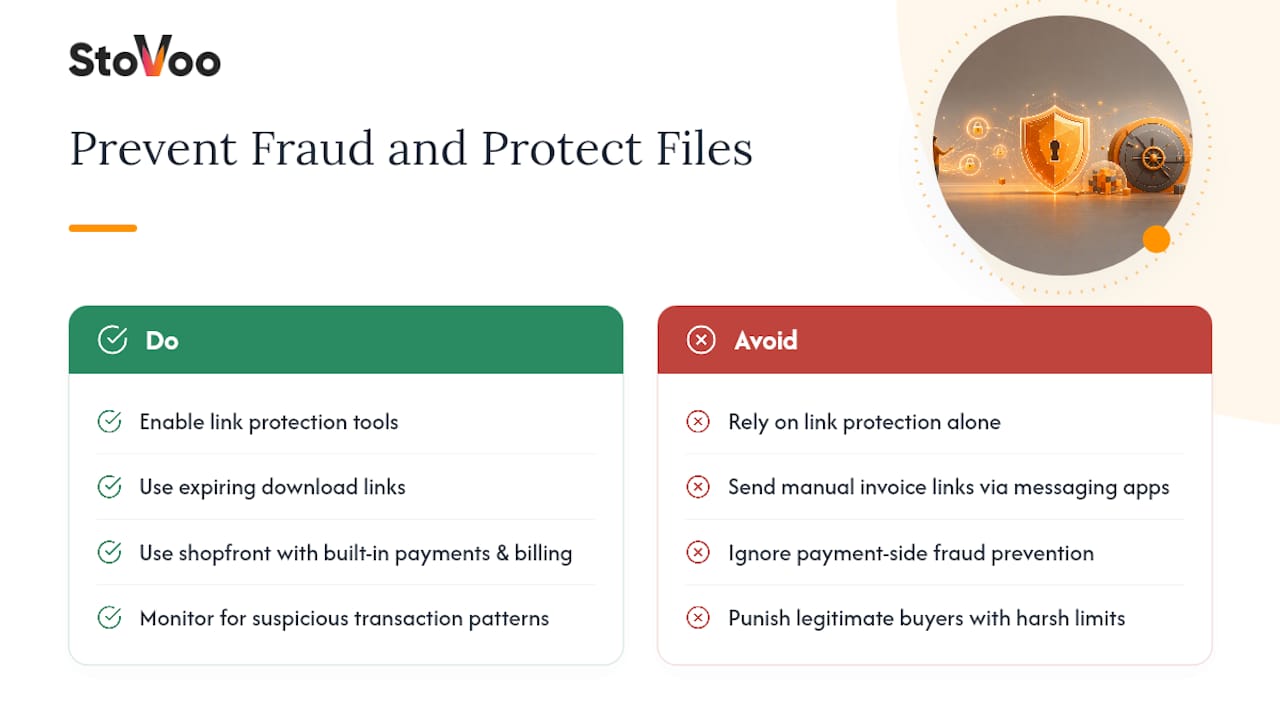
Digital cookbooks face a real, if limited, piracy risk. Link protection tools stop the same download URL from being reused endlessly, but they can't stop someone from screenshotting a page or forwarding a PDF to a friend. That's simply the nature of selling a digital file, and no platform fully eliminates it.
The more realistic mindset: treat unauthorized sharing as a marketing byproduct rather than a crisis. A shared PDF with your name and branding on every page often introduces new readers to your work, some of whom become paying customers for your next release.
On the payment side, fraud prevention matters more than file protection. Card processors flag suspicious transaction patterns automatically, but you should still watch for warning signs yourself: multiple purchases from one card in rapid succession, mismatched billing addresses, or a sudden spike in orders from an unfamiliar region. A shopfront with built-in payment processing and automated billing, rather than manual invoice links sent over messaging apps, closes off most of the easy fraud vectors small creators run into.
Time-limited download links (expiring after a set number of uses or days) strike a reasonable balance between customer convenience and basic protection, without punishing a legitimate buyer who loses their first download link.
What Actually Moves the Needle for Cookbook Creators
I keep seeing creators pour months into recipe development and days into everything else. That's backward. The recipes matter, but hyper-specific positioning and a real pre-launch audience decide whether anyone finds them. A shopfront that handles billing and download delivery automatically, the way Stovoo does, frees up that time for the audience-building work that actually drives sales.
How Stovoo Simplifies Your Digital Cookbook Sales Process
Stovoo gives food creators one shopfront that handles what usually takes three or four disconnected tools: payment processing, download delivery, and customer records, all under a single link you control.
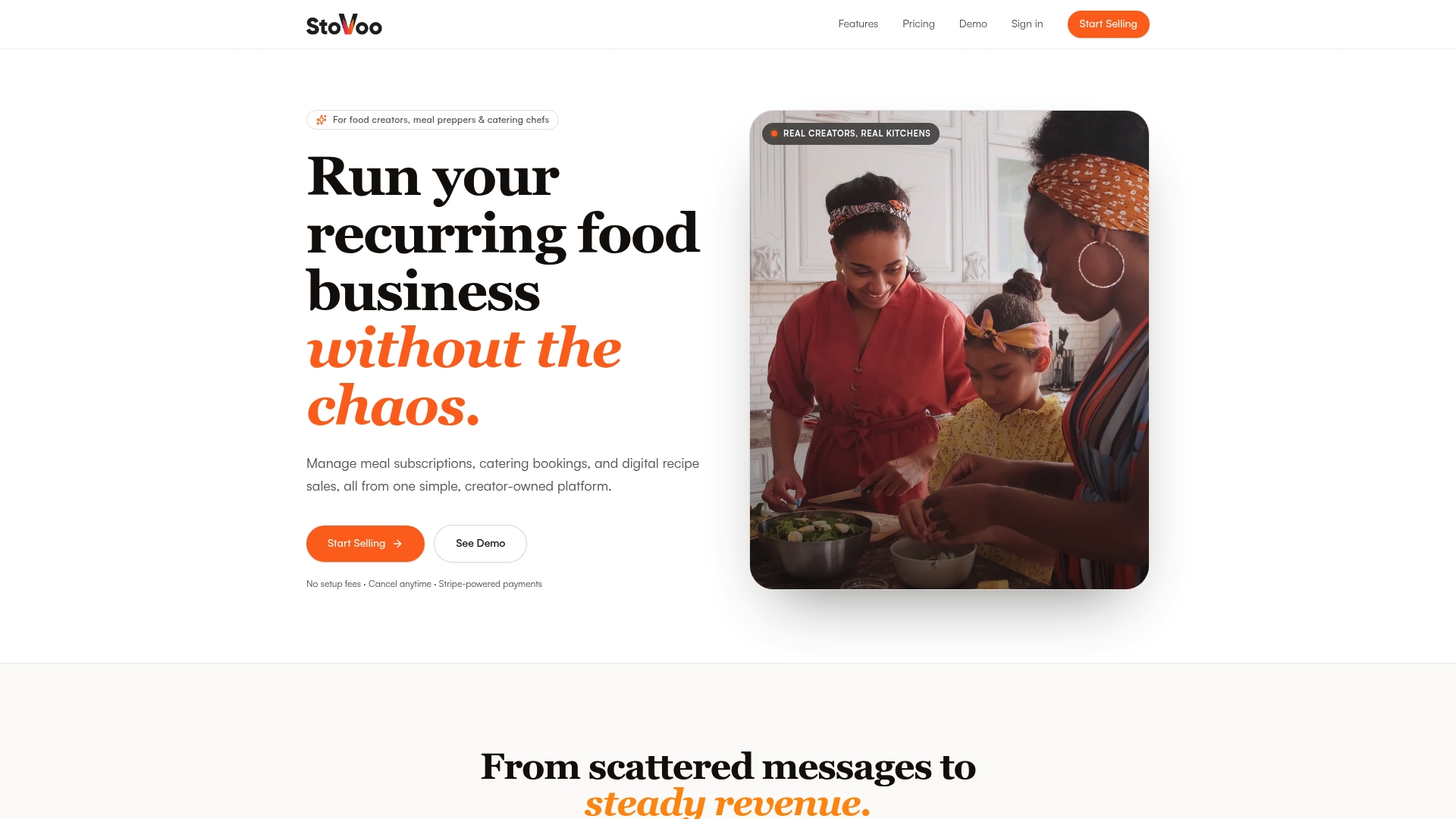
Instead of stitching together a payment processor, an email delivery service, and a spreadsheet of buyer names, you get a mobile-first shopfront built specifically for food businesses. Automated delivery means buyers get their PDF the second payment clears, no manual sending required. You keep ownership of your customer list, which matters if you ever want to launch a second cookbook or a subscription meal plan to the same buyers. And because Stovoo supports recurring payments, a recipe-library or subscription model is just a setting change away, not a rebuild.
If you're ready to move past juggling messaging apps and spreadsheets, set up your shopfront, upload your sample recipe as a lead magnet, and turn on automated downloads before your next big content push.
Sources
- The complete guide to marketing and selling a cookbook
- Recipe Content Marketing: A Founder Playbook for Food Brands
FAQ
How Long Should I Build My Audience Before Launch?
Plan on roughly six months of consistent content and list-building before your launch date to give your email list and social following time to warm up.
What Should I Charge for a Digital Cookbook?
A focused 25 to 40 recipe collection typically sells for $9 to $14, while larger, more comprehensive books can support $14 to $22.
What File Format Should I Use for Delivery?
Deliver both a screen-optimized PDF and a separate print PDF exported at 300 DPI to avoid blurry results when buyers print at home.
Which Platform Should I Use to Sell My Cookbook?
It depends on your stage: marketplaces help early discovery, while a dedicated shopfront like Stovoo works better once you're driving your own traffic and want automated billing and delivery.
How Do I Stop People From Sharing My Cookbook Illegally?
You can't fully prevent sharing, but time-limited download links and clear licensing terms inside the file reduce casual redistribution without frustrating legitimate buyers.